Free Marketing Campaign Plan Template (Google Sheets, Excel, PDF)
A marketing campaign template helps you plan a campaign from goal to results: audience, message, channels, tactics, budget, timeline and the KPIs you will use to judge success.
Free download · no sign-up
Get the marketing campaign template
Pick your level and format: Google Sheets, Excel or a print-ready PDF. Spreadsheets include dropdowns, formulas and sample rows you can overwrite.
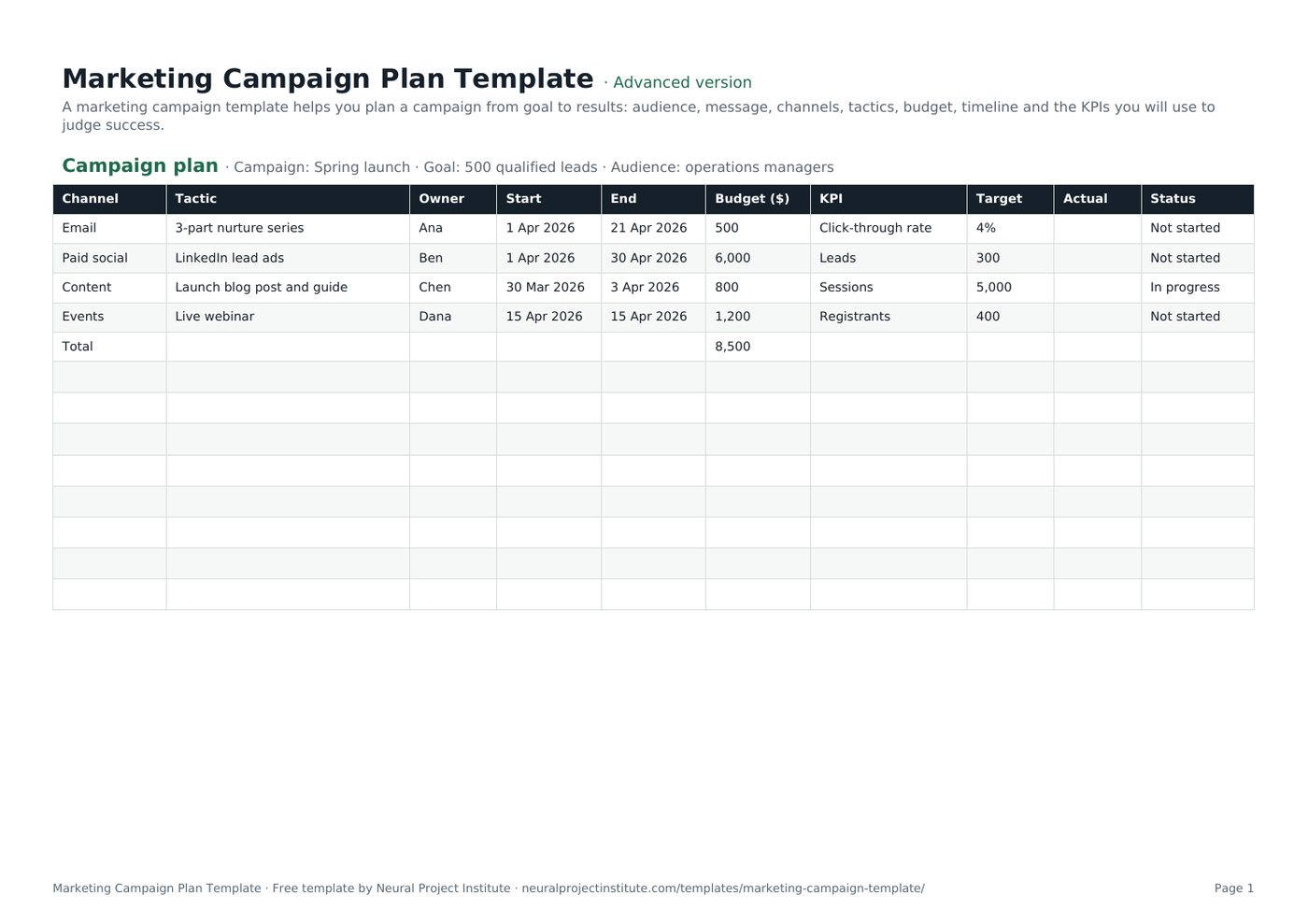
Marketing Campaign Plan Template preview
| Channel | Tactic | Owner | Start | End | Budget ($) | KPI | Target | Actual | Status |
|---|---|---|---|---|---|---|---|---|---|
| 3-part nurture series | Ana | 1 Apr 2026 | 21 Apr 2026 | 500 | Click-through rate | 4% | Not started | ||
| Paid social | LinkedIn lead ads | Ben | 1 Apr 2026 | 30 Apr 2026 | 6,000 | Leads | 300 | Not started | |
| Content | Launch blog post and guide | Chen | 30 Mar 2026 | 3 Apr 2026 | 800 | Sessions | 5,000 | In progress | |
| Events | Live webinar | Dana | 15 Apr 2026 | 15 Apr 2026 | 1,200 | Registrants | 400 | Not started | |
| Total | 8,500 |
Sample rows are examples: replace them with your own.
What's included
- Channel-by-channel tactic plan with owners, dates, budget, KPIs, targets and actuals
- One-page campaign brief
- Campaign plan: Channel, Tactic, Owner, Start, End, Budget ($), KPI, Target, Actual, Status
- Brief: Element, Details
How to use the marketing campaign template
- Complete the Brief tab: goal, audience, message and offer.
- Plan tactics by channel with owners and dates.
- Allocate budget; the total calculates automatically.
- Set a KPI and target for each tactic.
- Track actual results weekly and shift budget to what works.
Tips for getting the most from it
- One clear goal per campaign.
- Test messages before scaling spend.
- Use UTM links to track results.
- Plan content in the content calendar.
Learn more
Frequently asked questions
What is a marketing campaign template?
A marketing campaign template is a plan for a campaign's goal, audience, message, channels, tactics, budget, timeline and KPIs.
Is this marketing campaign template free?
Yes. The marketing campaign template is free in Google Sheets, Excel and PDF.
What should a marketing campaign template include?
Goal, audience, message, offer, channels, tactics, owners, dates, budget, KPIs and results.
Can I use the marketing campaign template as a campaign planning template?
Yes. It is a campaign planning template with a brief and a tactic plan.
Can I use the marketing campaign template for digital campaigns?
Yes. Add channels such as SEO, PPC and social for a digital marketing campaign template.
How do I track results in the marketing campaign template?
Enter actuals for each KPI weekly and compare them with targets.
How do I set a budget in the marketing campaign template?
Allocate budget per tactic; the template totals it.
What is the difference between a marketing campaign template and a marketing plan template?
A campaign is one time-bound push; a marketing plan covers strategy for the year.
Who owns the marketing campaign template?
The campaign manager, with tactic owners updating their rows.
Can I download the marketing campaign template as a PDF?
Yes. Use the PDF button for a printable marketing campaign template.
What is the difference between the beginner, advanced and expert marketing campaign template?
The beginner marketing campaign template keeps only the essential columns on one tab; the advanced version is the full template with every tab, dropdown and formula; the expert version adds a live dashboard, instructions, revision history and status colours.
Related templates
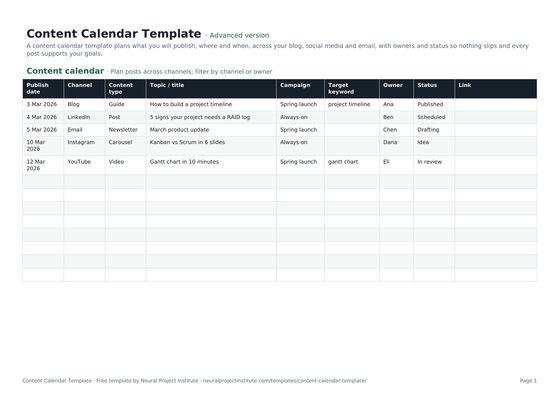 Content Calendar TemplateFree content calendar template for blogs, social media and email: dates, channels,…Beginner · Advanced · Expert
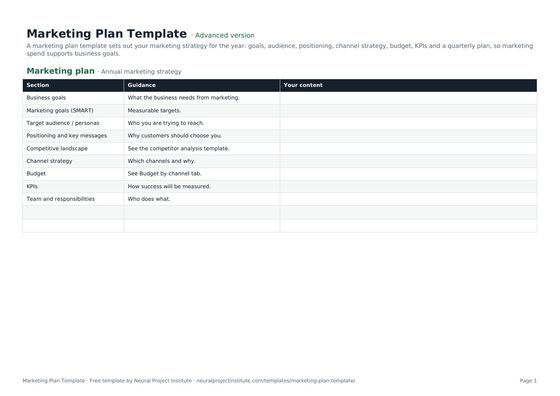 Marketing Plan TemplateFree marketing plan template: goals, audience, positioning, channel strategy, budget,…Beginner · Advanced · Expert
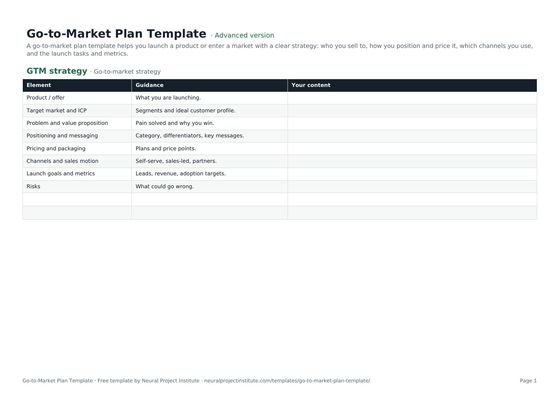 Go-to-Market Plan TemplateFree go-to-market plan template: target market, positioning, pricing, channels, launch…Beginner · Advanced · Expert
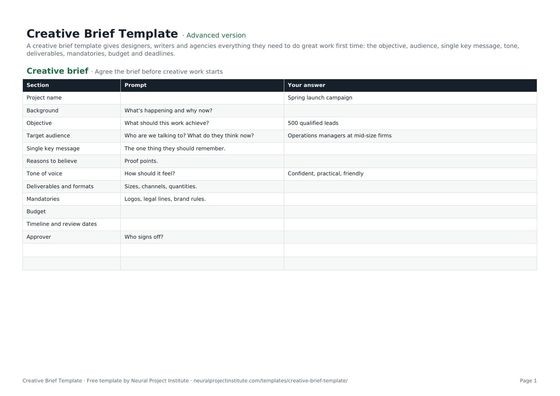 Creative Brief TemplateFree creative brief template: objective, audience, key message, tone, deliverables,…Beginner · Advanced · Expert