Templates · Business & strategy
Free Business Plan Template (Google Sheets, Excel, PDF)
A business plan template gives you a proven structure for describing your business, market, strategy, operations and finances, so you can raise money, align partners or simply think clearly about where the business is going.
Free download · no sign-up
Get the business plan template
Pick your level and format: Google Sheets, Excel or a print-ready PDF. Spreadsheets include dropdowns, formulas and sample rows you can overwrite.
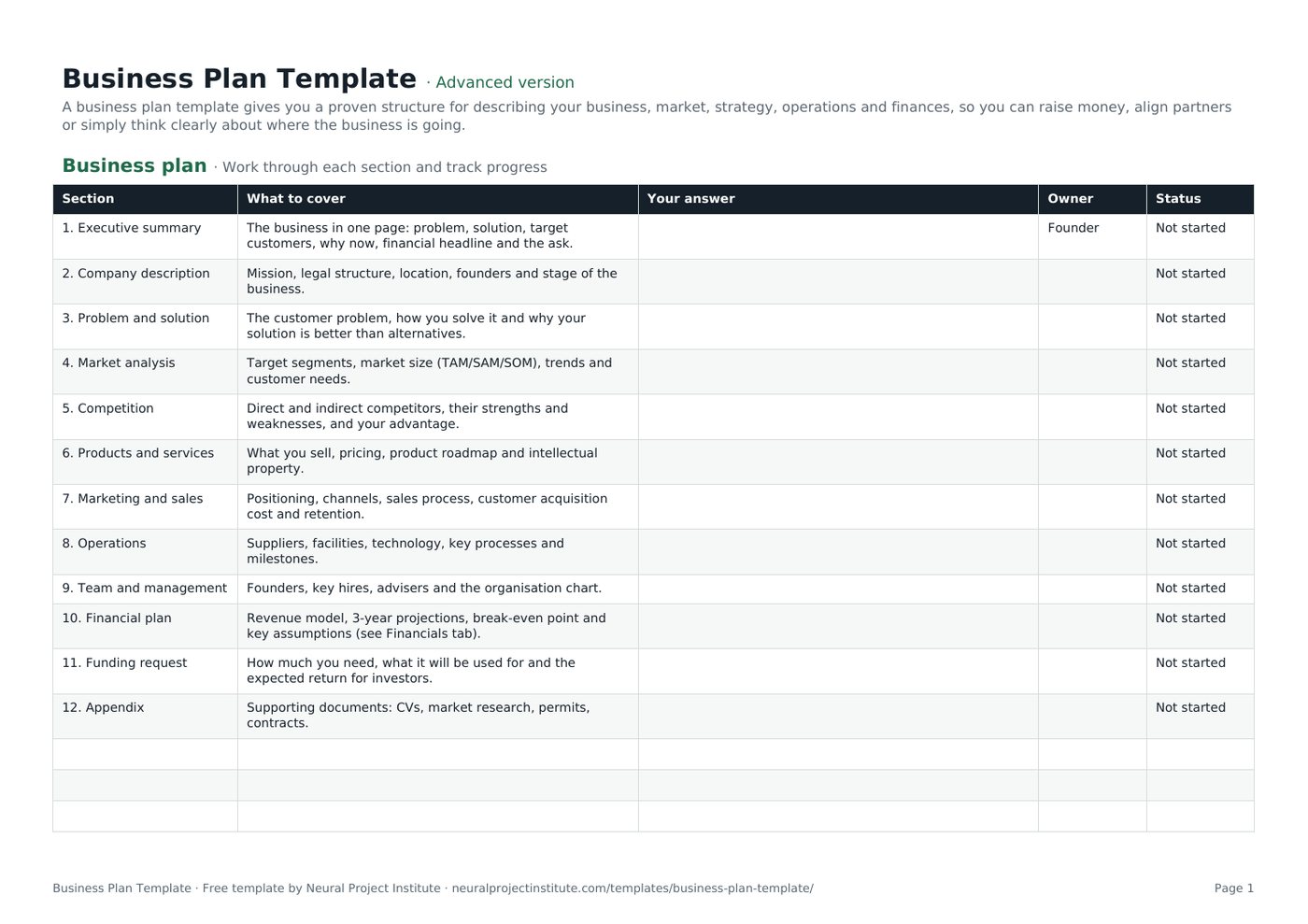
Business Plan Template preview
| Section | What to cover | Your answer | Owner | Status |
|---|---|---|---|---|
| 1. Executive summary | The business in one page: problem, solution, target customers, why now, financial headline and the ask. | Founder | Not started | |
| 2. Company description | Mission, legal structure, location, founders and stage of the business. | Not started | ||
| 3. Problem and solution | The customer problem, how you solve it and why your solution is better than alternatives. | Not started | ||
| 4. Market analysis | Target segments, market size (TAM/SAM/SOM), trends and customer needs. | Not started | ||
| 5. Competition | Direct and indirect competitors, their strengths and weaknesses, and your advantage. | Not started | ||
| 6. Products and services | What you sell, pricing, product roadmap and intellectual property. | Not started |
Sample rows are examples: replace them with your own.
What's included
- 12 guided sections from executive summary to appendix, each with prompts
- A three-year profit and loss projection with built-in formulas
- Owner and status columns with dropdowns to track progress
- Business plan: Section, What to cover, Your answer, Owner, Status
- Financials: Line item, Year 1, Year 2, Year 3, Notes
How to use the business plan template
- Start with the Financials tab: rough numbers early show whether the idea works.
- Work through each section on the Business plan tab, writing short, specific answers.
- Write the executive summary last, once everything else is clear.
- Assign an owner to each section if several people are contributing, and use the Status column to track progress.
- Ask someone outside the business to read it and challenge your assumptions.
- Export to PDF or copy the answers into a formatted document when you share it with investors or lenders.
Tips for getting the most from it
- Keep the plan short: investors often read only the summary and financials.
- Back up market claims with sources and realistic numbers.
- Show the assumptions behind every projection.
- Update the plan at least once a year or when strategy changes.
Learn more
Frequently asked questions
What should a business plan template include?
A good business plan template covers the executive summary, company description, market analysis, competition, products, marketing and sales, operations, team, financial plan and funding request.
Is this business plan template free?
Yes. The business plan template is free to download in Google Sheets, Excel and PDF formats, with no sign-up.
How long should a business plan be when using this business plan template?
Most business plans run 15 to 30 pages; a one-page summary is often enough for early conversations.
Can I use the business plan template for a small business?
Yes. The business plan template works for small businesses and start-ups; simply keep each section brief and skip what does not apply.
Is there a business plan template for a startup?
This business plan template suits start-ups: focus on the problem, solution, market size, traction and funding request.
Can I download the business plan template as a PDF?
Yes. Use the PDF button to get a print-ready business plan template; use the spreadsheet versions if you want the formulas.
How do I fill in a business plan template?
Begin with your numbers, then complete each section, and write the executive summary last so it reflects the whole business plan.
What financials belong in a business plan template?
At minimum, a three-year profit and loss projection, cash flow forecast, break-even analysis and the key assumptions behind them.
Can I use this business plan template for a bank loan?
Yes. Lenders look for a clear business plan with realistic financials, repayment ability and details of collateral and experience.
How often should I update my business plan template?
Review your business plan at least once a year, and whenever you raise money, launch a new product or change strategy.
What is the difference between the beginner, advanced and expert business plan template?
The beginner business plan template keeps only the essential columns on one tab; the advanced version is the full template with every tab, dropdown and formula; the expert version adds a live dashboard, instructions, revision history and status colours.
Related templates
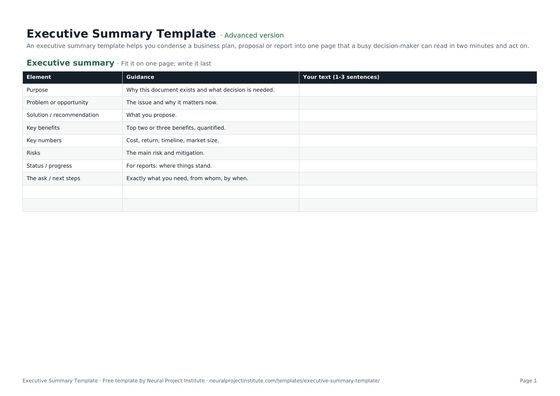 Executive Summary TemplateFree executive summary template for business plans, proposals and project reports:…Beginner · Advanced · Expert
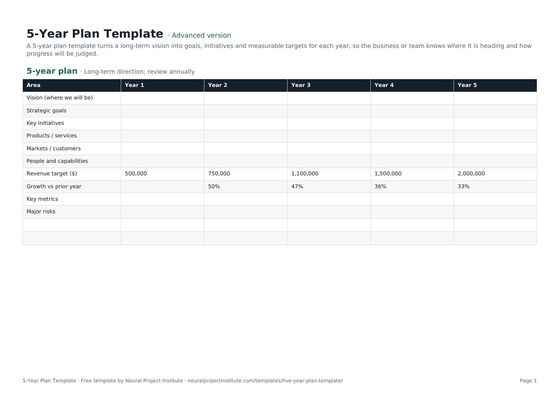 5-Year Plan TemplateFree 5-year plan template for strategic planning: vision, goals by year, key initiatives,…Beginner · Advanced · Expert
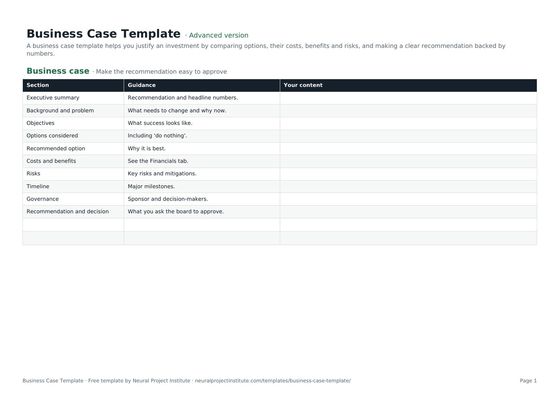 Business Case TemplateFree business case template: problem, options, costs, benefits, ROI, payback, risks and…Beginner · Advanced · Expert
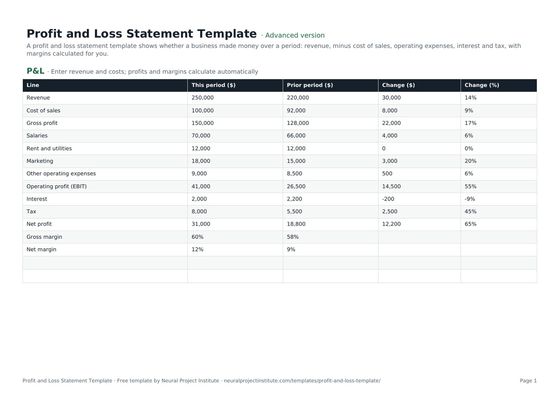 Profit and Loss Statement TemplateFree profit and loss statement template: revenue, cost of sales, gross profit, operating…Beginner · Advanced · Expert
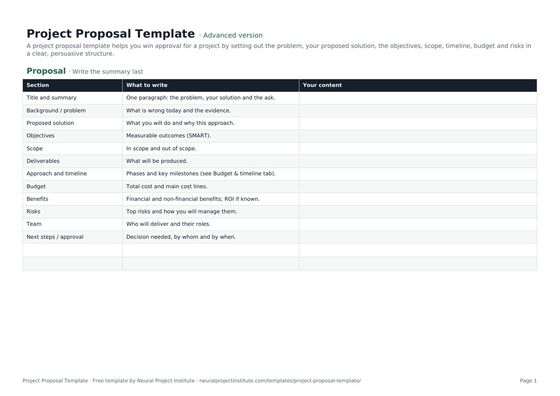 Project Proposal TemplateFree project proposal template: problem, proposed solution, objectives, scope, timeline,…Beginner · Advanced · Expert
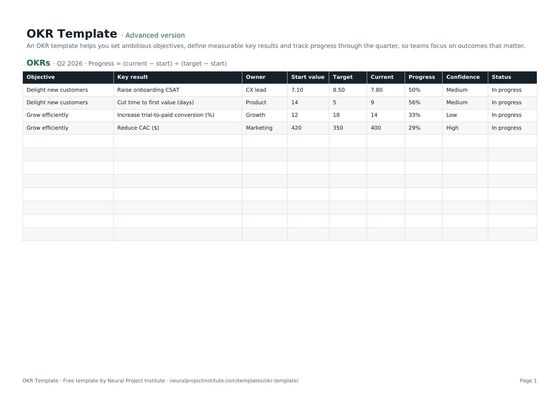 OKR TemplateFree OKR template to set objectives and key results, track progress and score them each…Beginner · Advanced · Expert