Templates · Business & strategy
Free Executive Summary Template (Google Sheets, Excel, PDF)
An executive summary template helps you condense a business plan, proposal or report into one page that a busy decision-maker can read in two minutes and act on.
Free download · no sign-up
Get the executive summary template
Pick your level and format: Google Sheets, Excel or a print-ready PDF. Spreadsheets include dropdowns, formulas and sample rows you can overwrite.
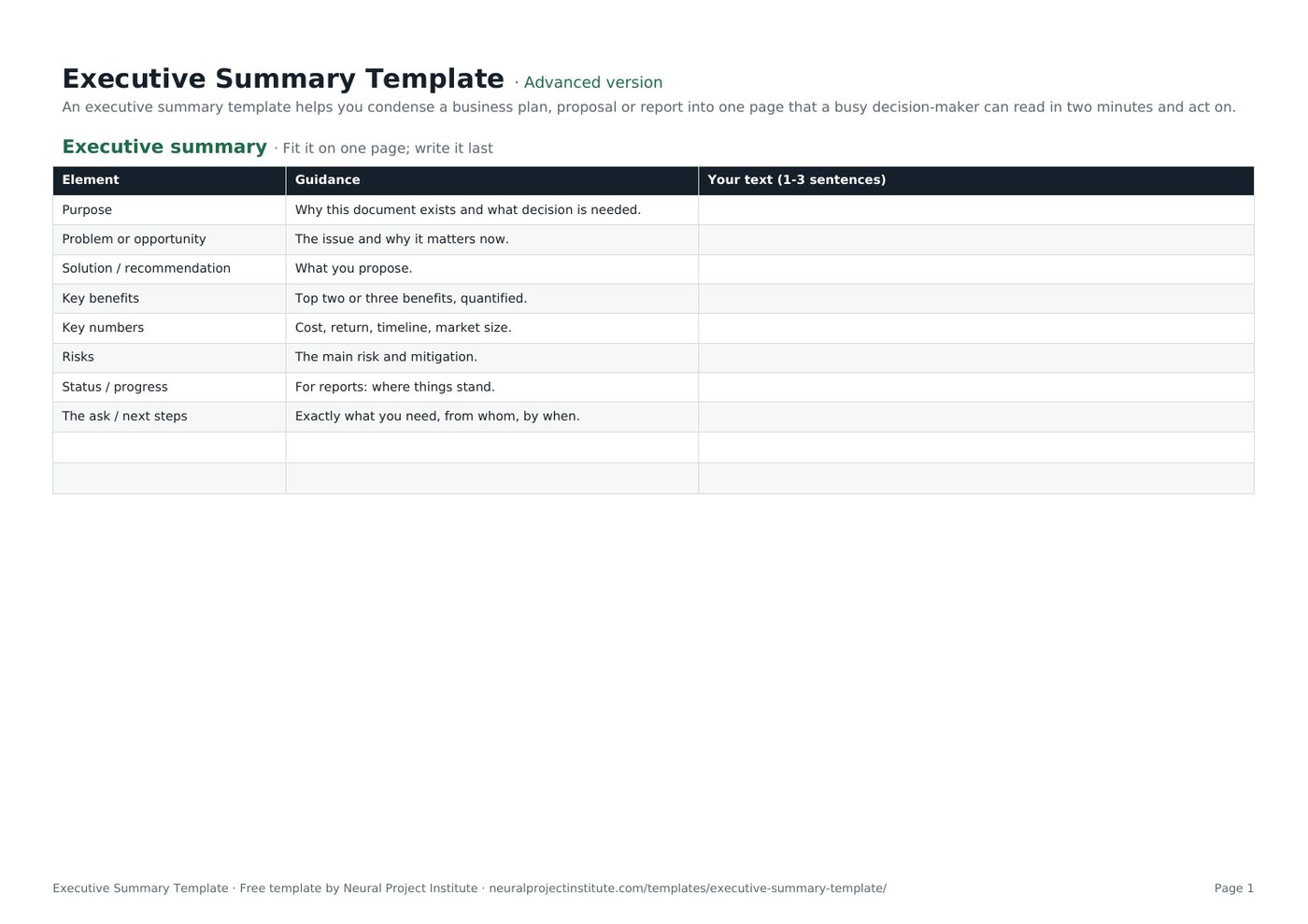
Executive Summary Template preview
| Element | Guidance | Your text (1-3 sentences) |
|---|---|---|
| Purpose | Why this document exists and what decision is needed. | |
| Problem or opportunity | The issue and why it matters now. | |
| Solution / recommendation | What you propose. | |
| Key benefits | Top two or three benefits, quantified. | |
| Key numbers | Cost, return, timeline, market size. | |
| Risks | The main risk and mitigation. |
Sample rows are examples: replace them with your own.
What's included
- Eight-part one-page structure with guidance
- Executive summary: Element, Guidance, Your text (1-3 sentences)
How to use the executive summary template
- Finish the full document first.
- Write one to three sentences per element.
- Lead with the decision or recommendation.
- Use numbers instead of adjectives.
- Cut anything the reader does not need to decide.
Tips for getting the most from it
- Aim for one page or less.
- Avoid jargon and acronyms.
- Make the ask impossible to miss.
- Test it on someone who has not read the full document.
Learn more
Frequently asked questions
What is an executive summary template?
An executive summary template is a one-page structure for summarising a longer document's purpose, findings, recommendation and ask.
Is this executive summary template free?
Yes. The executive summary template is free in Google Sheets, Excel and PDF.
How long should an executive summary be in this executive summary template?
One page, or about 5 to 10% of the full document.
Can I use the executive summary template for a business plan?
Yes. It works as the executive summary for a business plan.
Can I use the executive summary template for a project report?
Yes. Use the status element to summarise progress, issues and decisions.
When should I write the executive summary template?
Last, after the full document is complete.
What should an executive summary template never include?
New information not in the main document, unexplained jargon or long background.
Is an executive summary template the same as an abstract?
Similar, but an executive summary is for decision-makers and ends with a recommendation or ask.
Can I download the executive summary template as a PDF?
Yes. Use the PDF button for a printable executive summary template.
How do I make an executive summary template persuasive?
Lead with the problem's cost, show quantified benefits and make a clear, specific ask.
What is the difference between the beginner, advanced and expert executive summary template?
The beginner executive summary template keeps only the essential columns on one tab; the advanced version is the full template with every tab, dropdown and formula; the expert version adds instructions and revision history.
Related templates
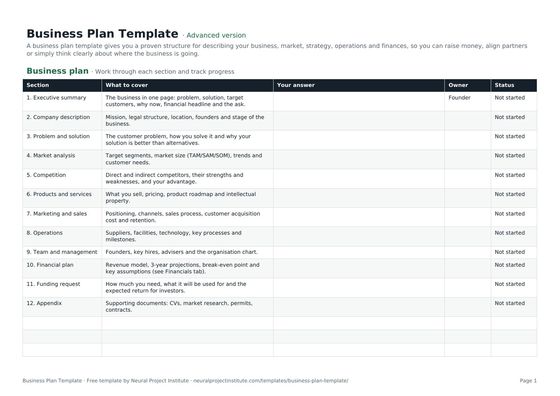 Business Plan TemplateFree business plan template with guided sections, a one-page summary and 3-year financial…Beginner · Advanced · Expert
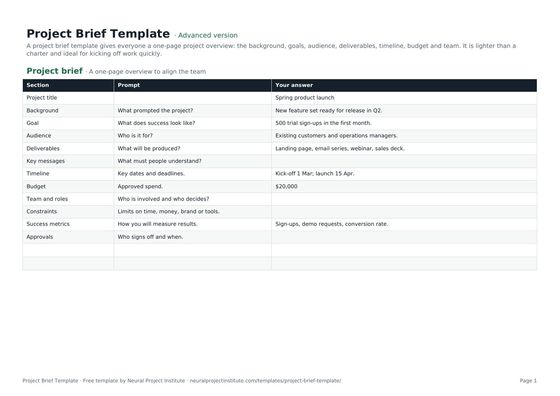 Project Brief TemplateFree project brief template for a one-page project overview: background, goals, audience,…Beginner · Advanced · Expert
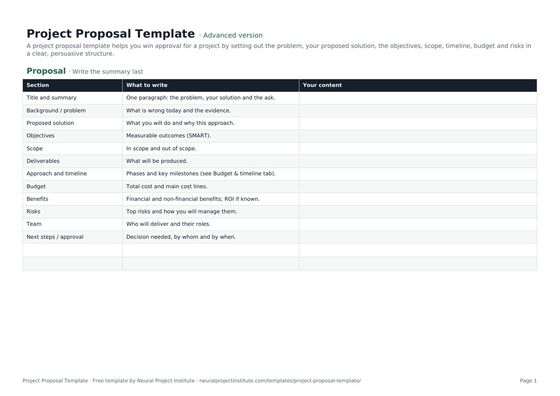 Project Proposal TemplateFree project proposal template: problem, proposed solution, objectives, scope, timeline,…Beginner · Advanced · Expert
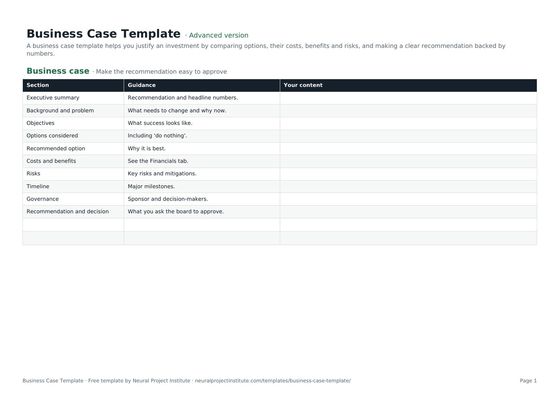 Business Case TemplateFree business case template: problem, options, costs, benefits, ROI, payback, risks and…Beginner · Advanced · Expert
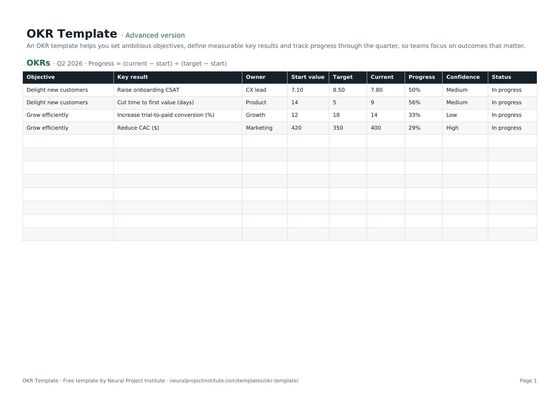 OKR TemplateFree OKR template to set objectives and key results, track progress and score them each…Beginner · Advanced · Expert
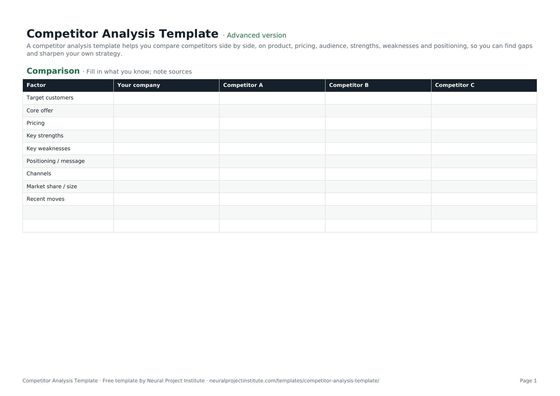 Competitor Analysis TemplateFree competitor analysis template comparing rivals on product, pricing, audience,…Beginner · Advanced · Expert