Free Project Plan Template (Google Sheets, Excel, PDF)
A project plan template brings the essentials of a project into one place: goals, scope, deliverables, tasks, owners, dates and milestones. Use it to plan the work, agree it with stakeholders and track progress.
Free download · no sign-up
Get the project plan template
Pick your level and format: Google Sheets, Excel or a print-ready PDF. Spreadsheets include dropdowns, formulas and sample rows you can overwrite.
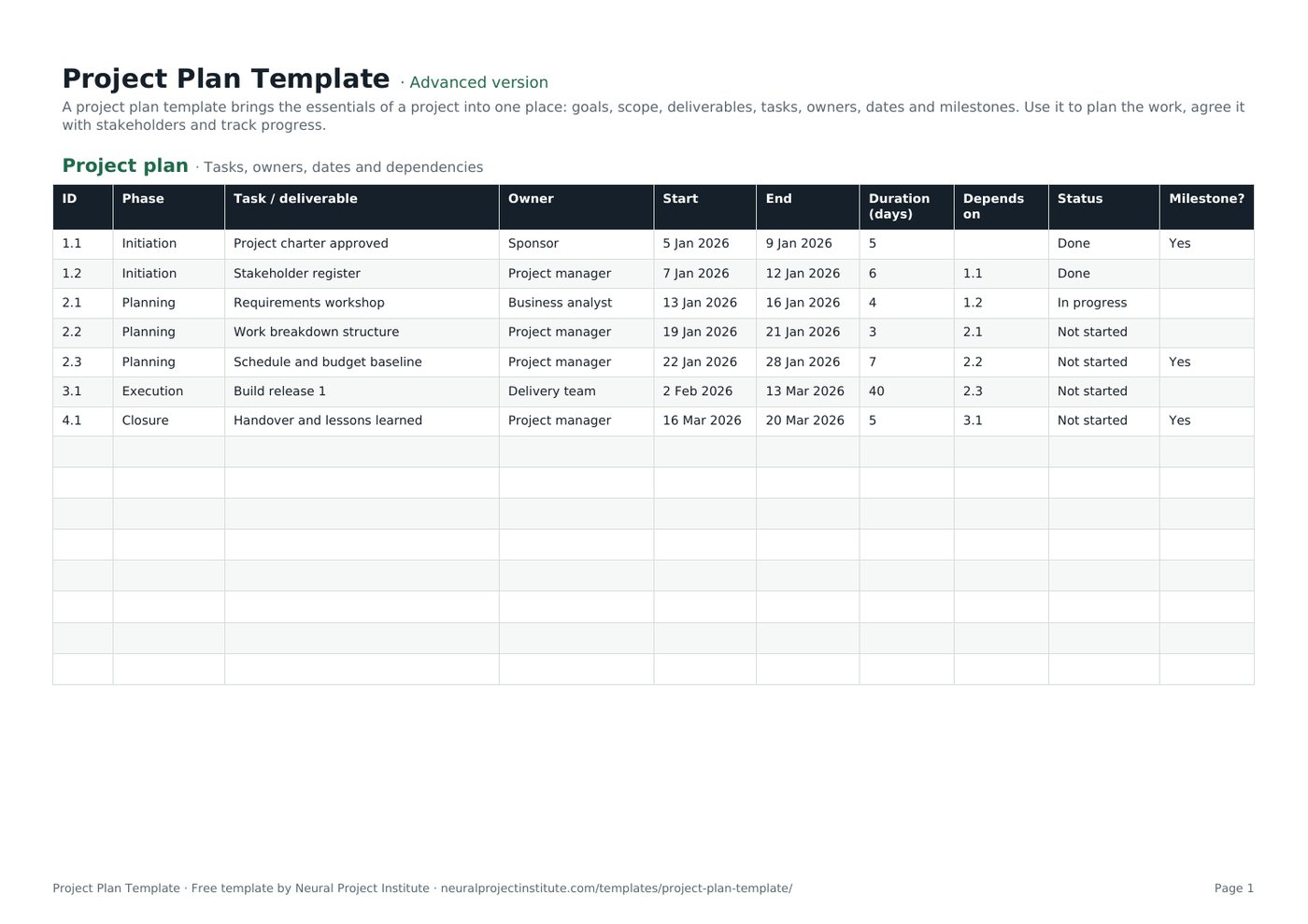
Project Plan Template preview
| ID | Phase | Task / deliverable | Owner | Start | End | Duration (days) | Depends on | Status | Milestone? |
|---|---|---|---|---|---|---|---|---|---|
| 1.1 | Initiation | Project charter approved | Sponsor | 5 Jan 2026 | 9 Jan 2026 | 5 | Done | Yes | |
| 1.2 | Initiation | Stakeholder register | Project manager | 7 Jan 2026 | 12 Jan 2026 | 6 | 1.1 | Done | |
| 2.1 | Planning | Requirements workshop | Business analyst | 13 Jan 2026 | 16 Jan 2026 | 4 | 1.2 | In progress | |
| 2.2 | Planning | Work breakdown structure | Project manager | 19 Jan 2026 | 21 Jan 2026 | 3 | 2.1 | Not started | |
| 2.3 | Planning | Schedule and budget baseline | Project manager | 22 Jan 2026 | 28 Jan 2026 | 7 | 2.2 | Not started | Yes |
| 3.1 | Execution | Build release 1 | Delivery team | 2 Feb 2026 | 13 Mar 2026 | 40 | 2.3 | Not started |
Sample rows are examples: replace them with your own.
What's included
- A task plan with phases, owners, dates, auto-calculated durations, dependencies, status and milestones
- A one-page overview for goals, scope, budget, risks and success criteria
- Project plan: ID, Phase, Task / deliverable, Owner, Start, End, Duration (days), Depends on, Status, Milestone?
- Overview: Item, Details
How to use the project plan template
- Fill in the Overview tab: goal, scope, deliverables, budget and success criteria.
- Break the work into phases and tasks on the Project plan tab, using a work breakdown structure.
- Give every task one owner, a start date and an end date; the duration calculates automatically.
- Record dependencies so you can see which tasks must finish first.
- Mark key milestones and agree the plan with your sponsor before work starts.
- Update the Status column weekly and use it in your status report.
Tips for getting the most from it
- Plan at a level of detail you can actually keep up to date.
- Add buffer to risky tasks rather than padding every estimate.
- Keep the plan visible: share the link instead of emailing copies.
- Re-baseline only through change control.
Learn more
Frequently asked questions
What is a project plan template?
A project plan template is a ready-made document or spreadsheet for recording a project's goals, scope, tasks, owners, schedule and milestones.
What should a project plan template include?
A project plan template should include objectives, scope, deliverables, tasks with owners and dates, dependencies, milestones, budget, risks and success criteria.
Is this project plan template free?
Yes. The project plan template is free in Google Sheets, Excel and PDF formats, with no sign-up.
How do I use a project plan template in Excel?
Download the .xlsx project plan template, replace the sample tasks with yours, and the duration column calculates automatically from the start and end dates.
Can I use the project plan template in Google Sheets?
Yes. Make a copy of the Google Sheets project plan template or import the .xlsx file into your Drive.
What is the difference between a project plan template and a project schedule template?
A project plan template covers goals, scope and the full plan; a project schedule template focuses on dates, durations and dependencies.
Is there a simple project plan template for small projects?
This project plan template works for small projects too: use the Overview tab and a short task list, and skip dependencies if you do not need them.
Can I turn the project plan template into a Gantt chart?
Yes. Use the start and end dates with our Gantt chart template, or import the tasks into a tool such as Wrike.
Who should own the project plan template?
The project manager owns and updates the project plan, with input from the team and approval from the sponsor.
How often should a project plan template be updated?
Update the project plan at least weekly during execution and whenever an approved change affects scope, dates or budget.
What is the difference between the beginner, advanced and expert project plan template?
The beginner project plan template keeps only the essential columns on one tab; the advanced version is the full template with every tab, dropdown and formula; the expert version adds a live dashboard, instructions, revision history and status colours.
Related templates
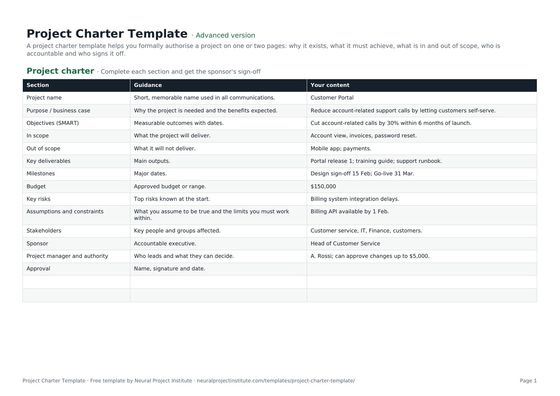 Project Charter TemplateFree project charter template covering purpose, objectives, scope, milestones, budget,…Beginner · Advanced · Expert
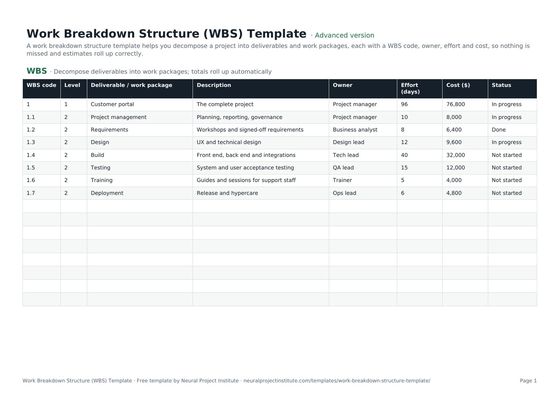 Work Breakdown Structure (WBS) TemplateFree work breakdown structure template with WBS codes, levels, deliverables, owners,…Beginner · Advanced · Expert
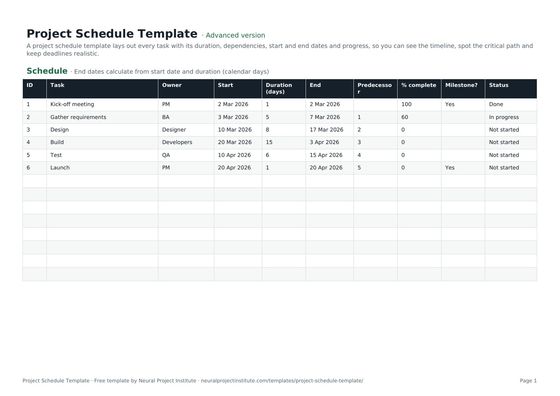 Project Schedule TemplateFree project schedule template with tasks, durations, dependencies, start and end dates,…Beginner · Advanced · Expert
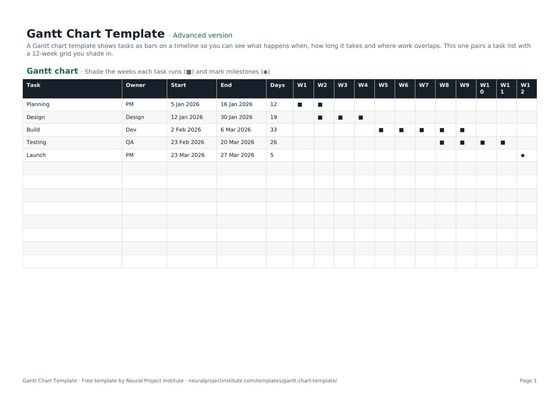 Gantt Chart TemplateFree Gantt chart template: tasks, owners, dates and a week-by-week timeline you fill in.…Beginner · Advanced · Expert
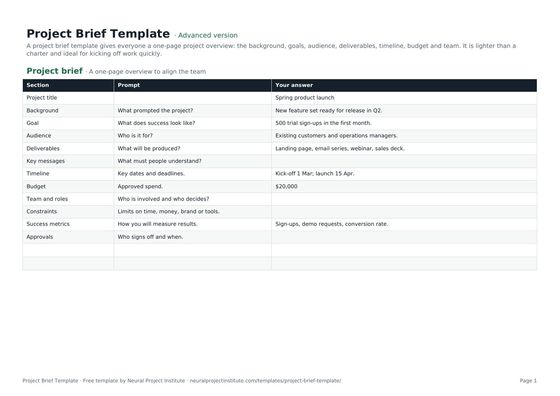 Project Brief TemplateFree project brief template for a one-page project overview: background, goals, audience,…Beginner · Advanced · Expert
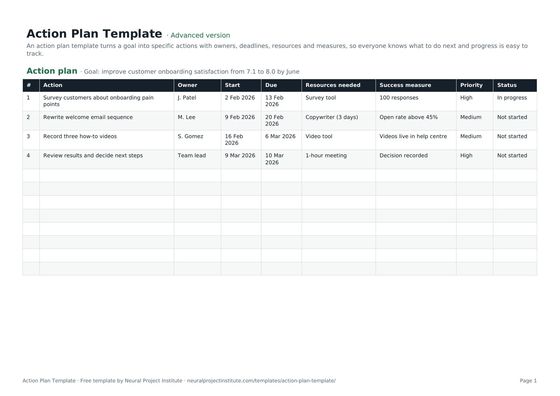 Action Plan TemplateFree action plan template with goal, actions, owners, deadlines, resources, success…Beginner · Advanced · Expert