Free Work Breakdown Structure (WBS) Template: Sheets, Excel, PDF
A work breakdown structure template helps you decompose a project into deliverables and work packages, each with a WBS code, owner, effort and cost, so nothing is missed and estimates roll up correctly.
Free download · no sign-up
Get the work breakdown structure template
Pick your level and format: Google Sheets, Excel or a print-ready PDF. Spreadsheets include dropdowns, formulas and sample rows you can overwrite.
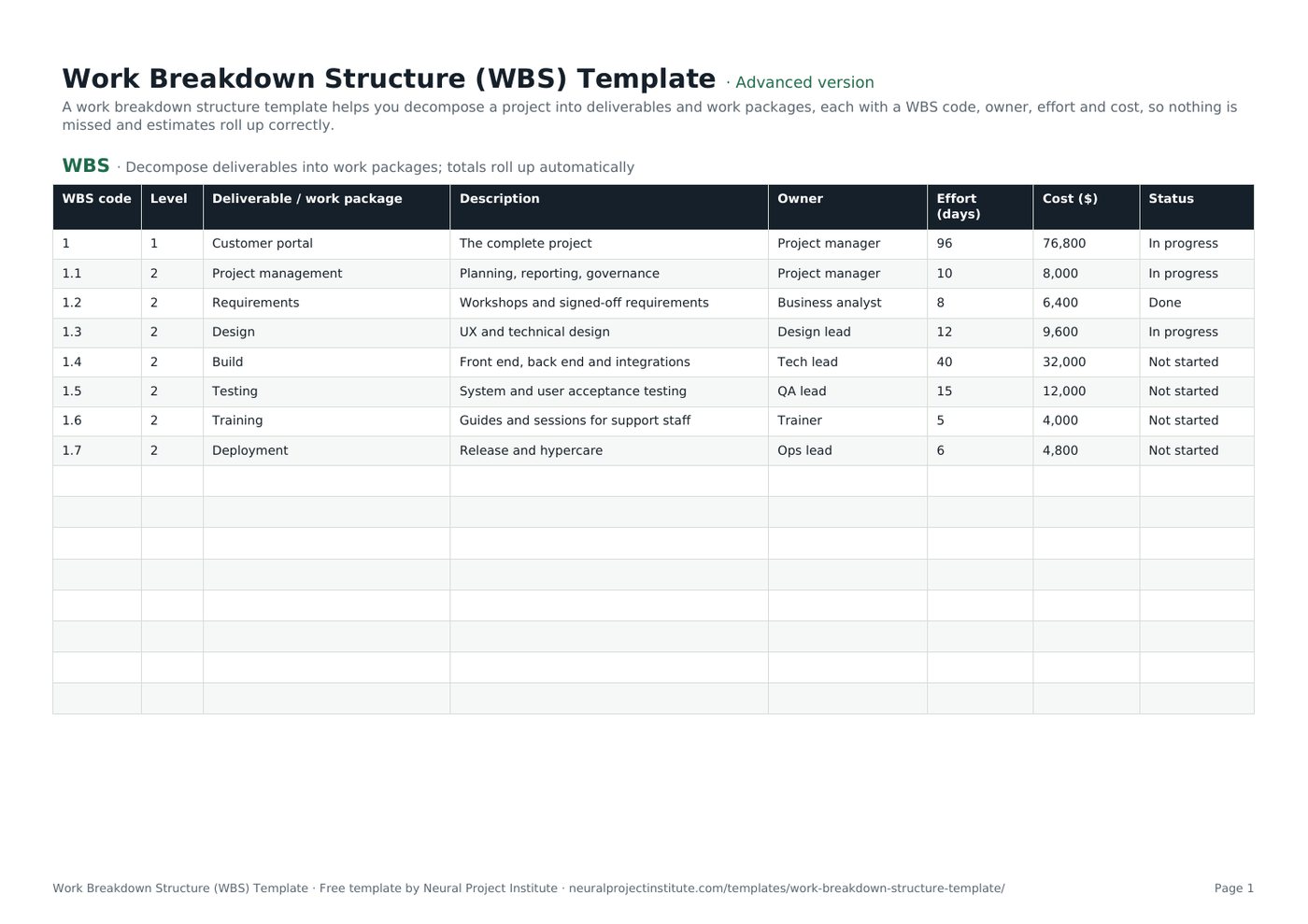
Work Breakdown Structure (WBS) Template preview
| WBS code | Level | Deliverable / work package | Description | Owner | Effort (days) | Cost ($) | Status |
|---|---|---|---|---|---|---|---|
| 1 | 1 | Customer portal | The complete project | Project manager | 96 | 76,800 | In progress |
| 1.1 | 2 | Project management | Planning, reporting, governance | Project manager | 10 | 8,000 | In progress |
| 1.2 | 2 | Requirements | Workshops and signed-off requirements | Business analyst | 8 | 6,400 | Done |
| 1.3 | 2 | Design | UX and technical design | Design lead | 12 | 9,600 | In progress |
| 1.4 | 2 | Build | Front end, back end and integrations | Tech lead | 40 | 32,000 | Not started |
| 1.5 | 2 | Testing | System and user acceptance testing | QA lead | 15 | 12,000 | Not started |
Sample rows are examples: replace them with your own.
What's included
- WBS codes, levels, deliverables, descriptions and owners
- Effort and cost columns with automatic roll-up
- Status dropdowns
- WBS: WBS code, Level, Deliverable / work package, Description, Owner, Effort (days), Cost ($), Status
How to use the work breakdown structure template
- Write the project's final deliverable as level 1.
- Break it into major deliverables or phases at level 2, then into work packages at level 3.
- Give each element a unique WBS code, a short description and a single owner.
- Estimate effort and cost for each work package; the top row totals them.
- Check the 100% rule: the children of each element add up to all of its work, and nothing more.
- Use the work packages to build your schedule and budget.
Tips for getting the most from it
- Name elements with nouns (deliverables), not verbs.
- Stop decomposing when a work package can be estimated and assigned.
- Keep a WBS dictionary for detail.
- Do not include work that is out of scope.
Learn more
Frequently asked questions
What is a work breakdown structure template?
A work breakdown structure template is a ready-made table for decomposing a project into deliverables and work packages with codes, owners, effort and cost.
How do I fill in a work breakdown structure template?
Start with the final deliverable, break it into major deliverables, then into work packages, and give each a code, owner and estimate.
Is this work breakdown structure template free?
Yes. The work breakdown structure template is free in Google Sheets, Excel and PDF.
What is the 100% rule in a work breakdown structure template?
Each level must contain 100% of the work of its parent, no more and no less, so the WBS covers the whole scope.
How many levels should a work breakdown structure template have?
Most projects need three or four levels; decompose until work packages can be estimated and assigned.
Can I use the work breakdown structure template in Excel?
Yes. The .xlsx WBS template opens in Excel, with roll-up formulas for effort and cost.
Is a work breakdown structure template the same as a project schedule?
No. The WBS shows what must be delivered; the project schedule template shows when.
Should a work breakdown structure template be deliverable-based or phase-based?
Either works; deliverable-based structures make scope clearer, phase-based ones suit sequential projects.
What is a WBS dictionary in a work breakdown structure template?
A WBS dictionary describes each element in detail: scope, acceptance criteria, owner, estimates and dependencies.
Who creates the work breakdown structure template?
The project manager leads it, with the team who will do the work, so estimates and coverage are realistic.
What is the difference between the beginner, advanced and expert work breakdown structure template?
The beginner work breakdown structure template keeps only the essential columns on one tab; the advanced version is the full template with every tab, dropdown and formula; the expert version adds a live dashboard, instructions, revision history and status colours.
Related templates
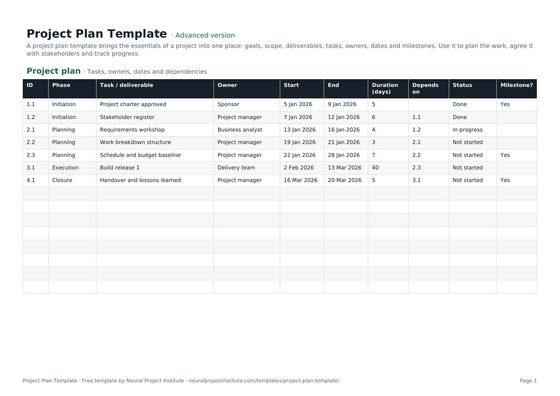 Project Plan TemplateFree project plan template with goals, scope, deliverables, tasks, owners, dates and…Beginner · Advanced · Expert
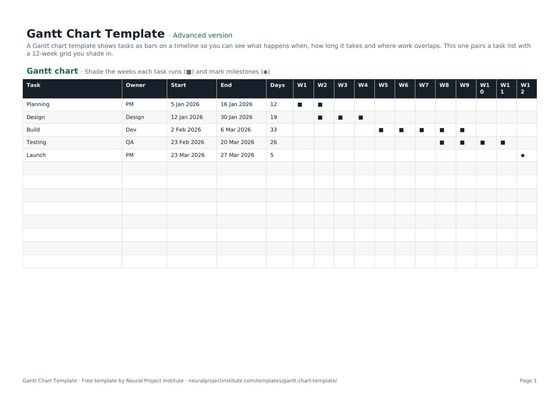 Gantt Chart TemplateFree Gantt chart template: tasks, owners, dates and a week-by-week timeline you fill in.…Beginner · Advanced · Expert
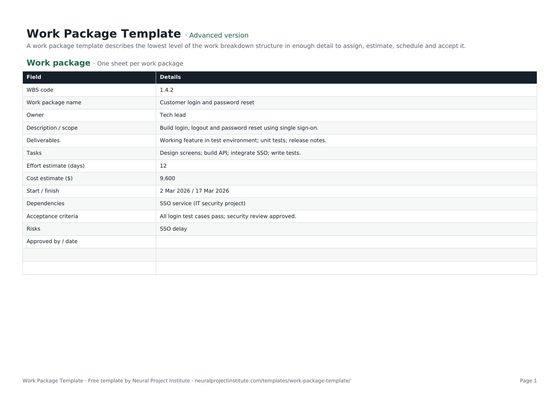 Work Package TemplateFree work package template: scope, deliverables, tasks, owner, effort, cost, dates,…Beginner · Advanced · Expert
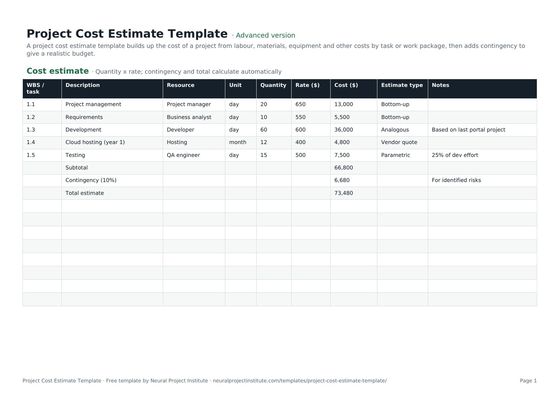 Project Cost Estimate TemplateFree project cost estimate template: labour, materials, equipment and other costs by work…Beginner · Advanced · Expert
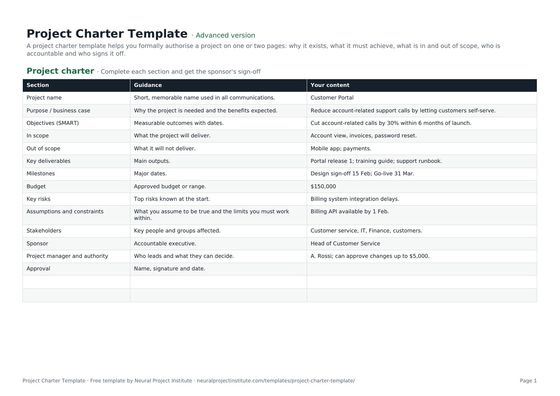 Project Charter TemplateFree project charter template covering purpose, objectives, scope, milestones, budget,…Beginner · Advanced · Expert
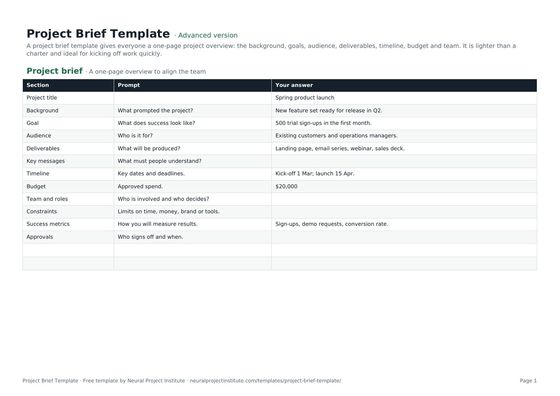 Project Brief TemplateFree project brief template for a one-page project overview: background, goals, audience,…Beginner · Advanced · Expert