Templates · Business & strategy
Free Competitor Analysis Template (Google Sheets, Excel, PDF)
A competitor analysis template helps you compare competitors side by side, on product, pricing, audience, strengths, weaknesses and positioning, so you can find gaps and sharpen your own strategy.
Free download · no sign-up
Get the competitor analysis template
Pick your level and format: Google Sheets, Excel or a print-ready PDF. Spreadsheets include dropdowns, formulas and sample rows you can overwrite.
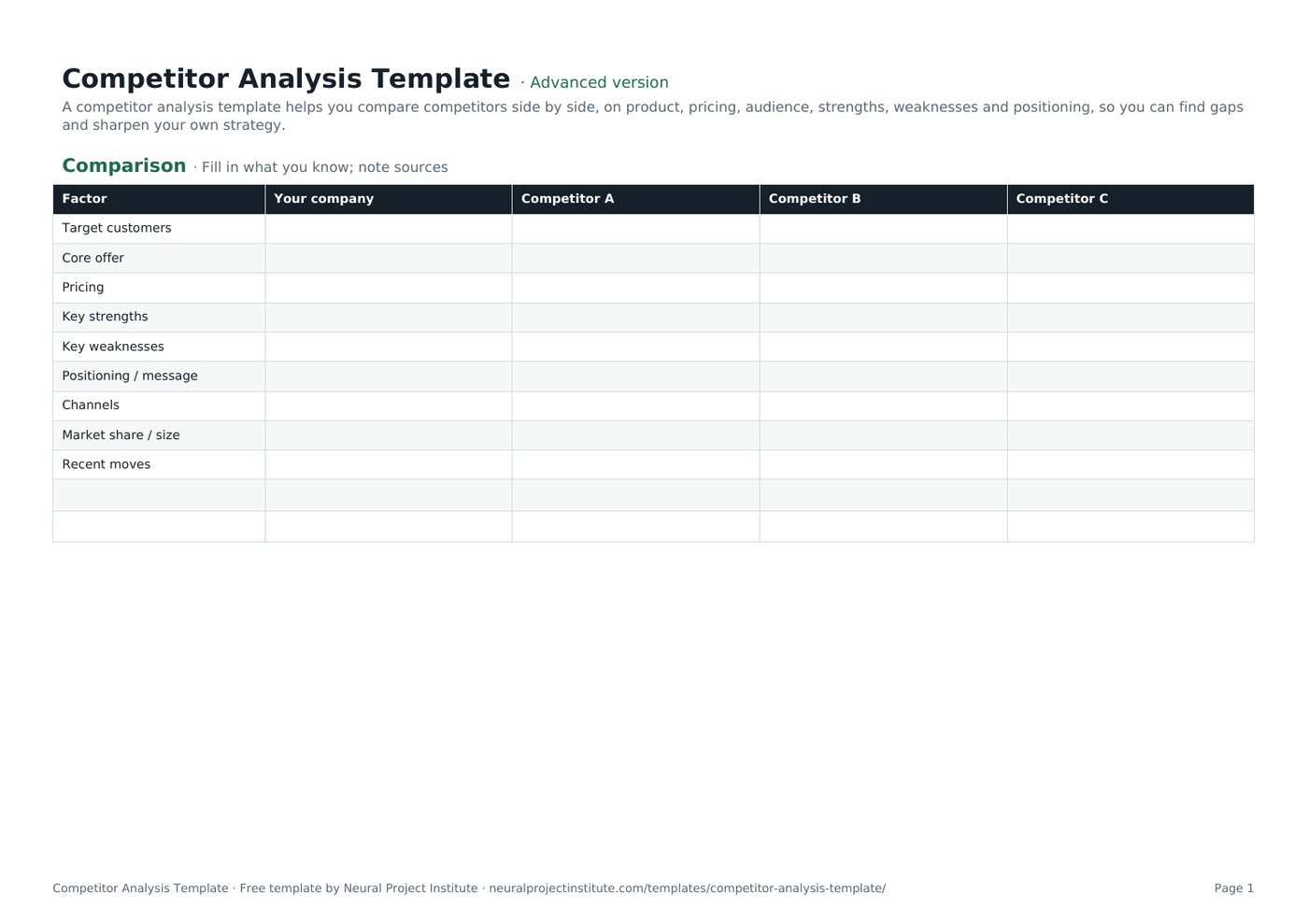
Competitor Analysis Template preview
| Factor | Your company | Competitor A | Competitor B | Competitor C |
|---|---|---|---|---|
| Target customers | ||||
| Core offer | ||||
| Pricing | ||||
| Key strengths | ||||
| Key weaknesses | ||||
| Positioning / message |
Sample rows are examples: replace them with your own.
What's included
- Side-by-side comparison grid
- Weighted scoring model with automatic scores
- Comparison: Factor, Your company, Competitor A, Competitor B, Competitor C
- Scoring: Criterion, Weight (%), Your company (1-5), Competitor A (1-5), Competitor B (1-5), Competitor C (1-5)
How to use the competitor analysis template
- Choose three to five direct and indirect competitors.
- Research each one and fill in the Comparison tab.
- Set weights for what customers value most on the Scoring tab.
- Score each company from 1 to 5; weighted scores calculate automatically.
- Summarise gaps and opportunities and act on them.
Tips for getting the most from it
- Use customer reviews, pricing pages and sales calls as sources.
- Include indirect competitors and substitutes.
- Be honest about your own weaknesses.
- Refresh the analysis every six months.
Learn more
Frequently asked questions
What is a competitor analysis template?
A competitor analysis template is a structured grid for comparing competitors' products, pricing, audiences, strengths and weaknesses.
Is this competitor analysis template free?
Yes. The competitor analysis template is free in Google Sheets, Excel and PDF.
What should a competitor analysis template include?
Target customers, offer, pricing, strengths, weaknesses, positioning, channels, market share and recent moves.
How many competitors should I include in the competitor analysis template?
Three to five main competitors is usually enough.
How does the scoring in the competitor analysis template work?
Each criterion has a weight; scores of 1 to 5 are multiplied by the weights to give a weighted score.
Where do I find data for the competitor analysis template?
Websites, pricing pages, reviews, analyst reports, social media and conversations with customers.
Can I use the competitor analysis template for a business plan?
Yes. Summarise it in the competition section of your business plan.
Is a SWOT the same as a competitor analysis template?
No. SWOT looks at your own strengths, weaknesses, opportunities and threats; a competitor analysis compares rivals.
How often should I update the competitor analysis template?
Every six months, or when a competitor makes a major move.
Can I use the competitor analysis template for competitive intelligence?
Yes. Add a 'Recent moves' log to track competitive intelligence over time.
What is the difference between the beginner, advanced and expert competitor analysis template?
The beginner competitor analysis template keeps only the essential columns on one tab; the advanced version is the full template with every tab, dropdown and formula; the expert version adds instructions and revision history.
Related templates
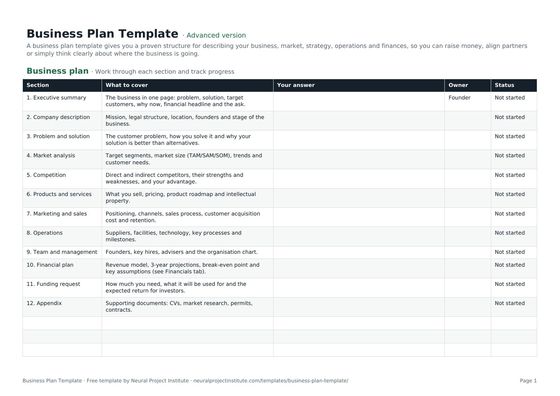 Business Plan TemplateFree business plan template with guided sections, a one-page summary and 3-year financial…Beginner · Advanced · Expert
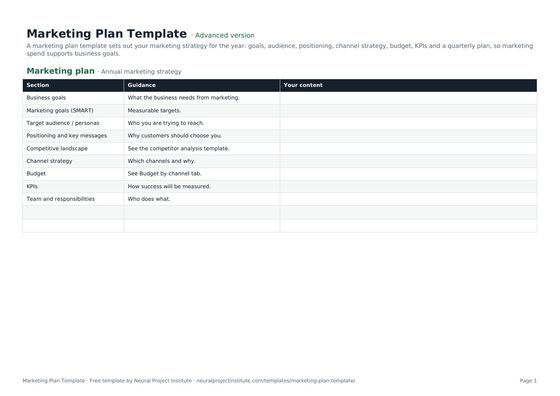 Marketing Plan TemplateFree marketing plan template: goals, audience, positioning, channel strategy, budget,…Beginner · Advanced · Expert
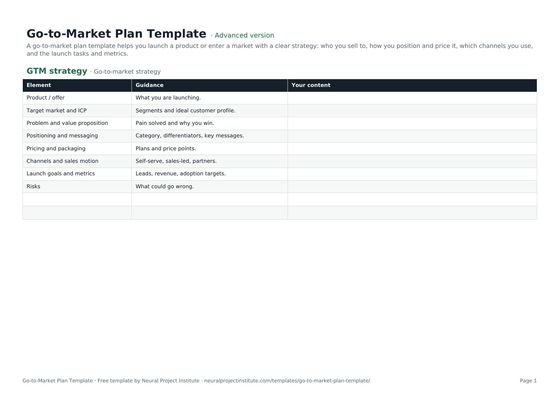 Go-to-Market Plan TemplateFree go-to-market plan template: target market, positioning, pricing, channels, launch…Beginner · Advanced · Expert
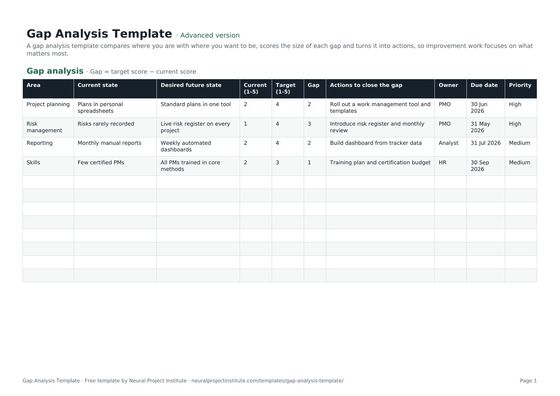 Gap Analysis TemplateFree gap analysis template comparing current and future state, scoring each gap and…Beginner · Advanced · Expert
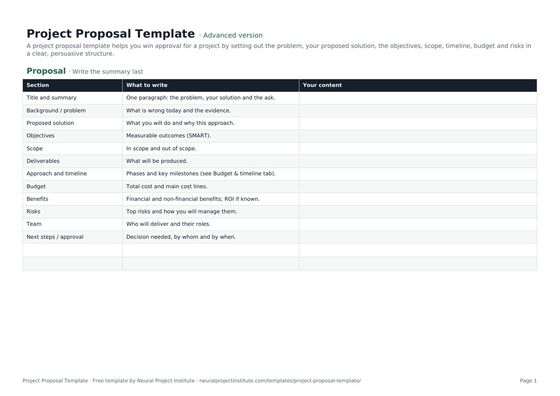 Project Proposal TemplateFree project proposal template: problem, proposed solution, objectives, scope, timeline,…Beginner · Advanced · Expert
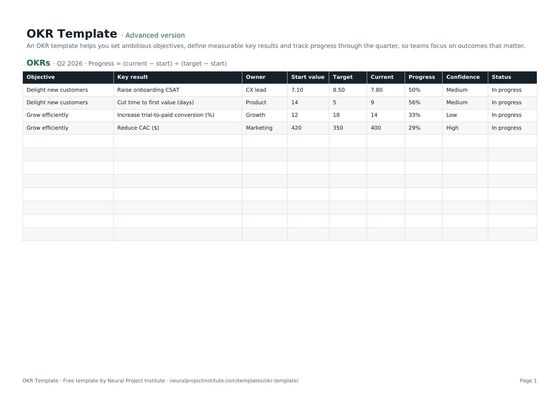 OKR TemplateFree OKR template to set objectives and key results, track progress and score them each…Beginner · Advanced · Expert