Templates · Requirements & analysis
Free Gap Analysis Template (Google Sheets, Excel, PDF)
A gap analysis template compares where you are with where you want to be, scores the size of each gap and turns it into actions, so improvement work focuses on what matters most.
Free download · no sign-up
Get the gap analysis template
Pick your level and format: Google Sheets, Excel or a print-ready PDF. Spreadsheets include dropdowns, formulas and sample rows you can overwrite.
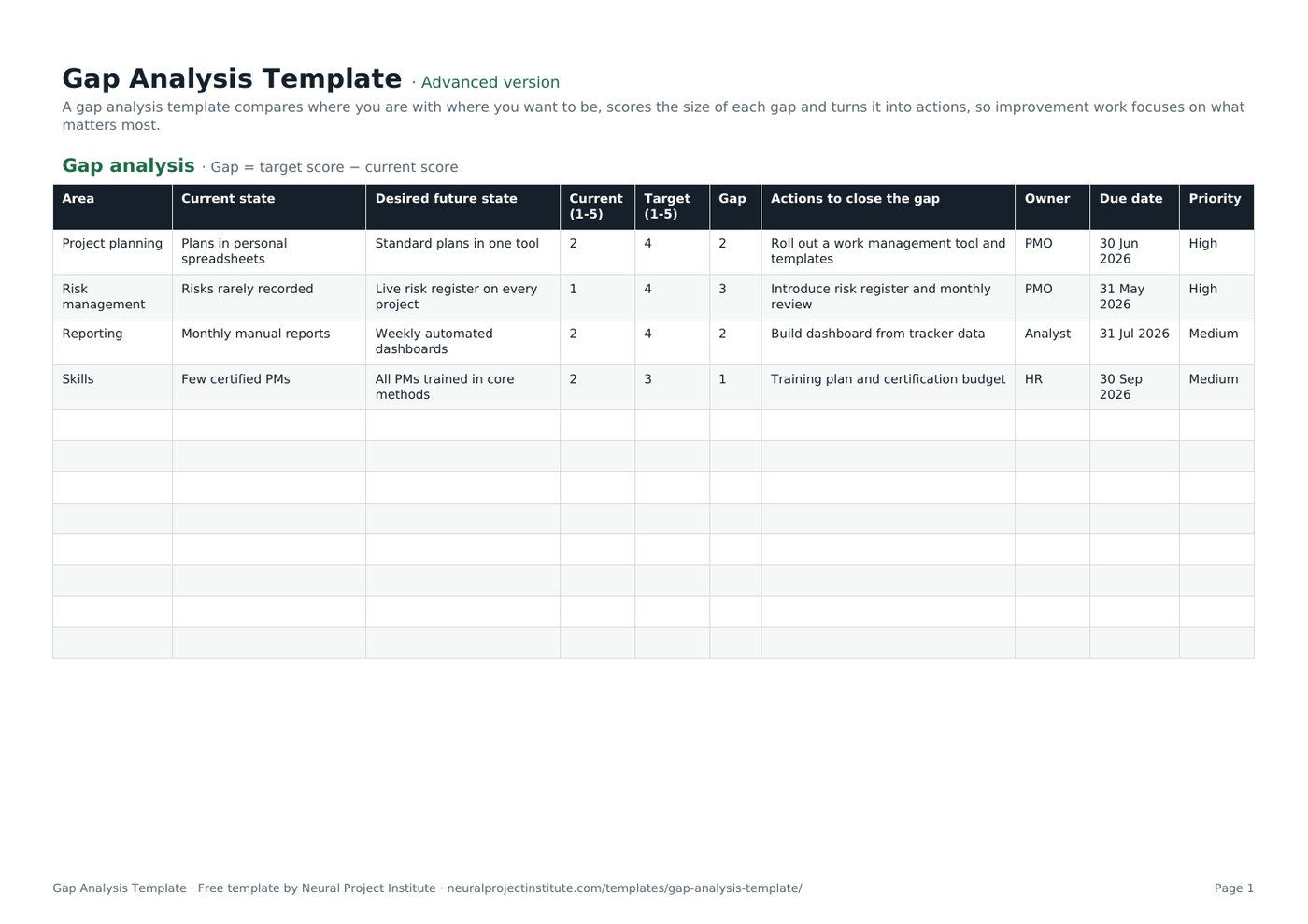
Gap Analysis Template preview
| Area | Current state | Desired future state | Current (1-5) | Target (1-5) | Gap | Actions to close the gap | Owner | Due date | Priority |
|---|---|---|---|---|---|---|---|---|---|
| Project planning | Plans in personal spreadsheets | Standard plans in one tool | 2 | 4 | 2 | Roll out a work management tool and templates | PMO | 30 Jun 2026 | High |
| Risk management | Risks rarely recorded | Live risk register on every project | 1 | 4 | 3 | Introduce risk register and monthly review | PMO | 31 May 2026 | High |
| Reporting | Monthly manual reports | Weekly automated dashboards | 2 | 4 | 2 | Build dashboard from tracker data | Analyst | 31 Jul 2026 | Medium |
| Skills | Few certified PMs | All PMs trained in core methods | 2 | 3 | 1 | Training plan and certification budget | HR | 30 Sep 2026 | Medium |
Sample rows are examples: replace them with your own.
What's included
- Current versus future state with scores, automatic gap size, actions, owners, dates and priority
- Gap analysis: Area, Current state, Desired future state, Current (1-5), Target (1-5), Gap, Actions to close the gap, Owner, Due date, Priority
How to use the gap analysis template
- Choose the areas to assess.
- Describe the current state honestly and the desired future state clearly.
- Score both from 1 to 5; the gap calculates automatically.
- Plan actions to close the largest gaps, with owners and dates.
- Prioritise and track the actions as a project.
Tips for getting the most from it
- Use evidence, not opinions, for current state.
- Close a few big gaps rather than many small ones.
- Re-score after six months.
- Feed actions into an action plan.
Learn more
Frequently asked questions
What is a gap analysis template?
A gap analysis template compares current performance with a desired future state and lists actions to close the gap.
Is this gap analysis template free?
Yes. The gap analysis template is free in Google Sheets, Excel and PDF.
How do I use the gap analysis template?
Describe current and future states, score them, review the gap size and plan actions.
What are the steps of a gap analysis template?
Identify areas, assess the current state, define the future state, measure the gap and plan actions.
Can I use the gap analysis template for skills?
Yes. For people skills, a skills matrix gives more detail.
Can I use the gap analysis template for business processes?
Yes. Assess each process step against best practice.
What is the difference between a gap analysis template and a SWOT?
A gap analysis measures the distance to a target; SWOT lists strengths, weaknesses, opportunities and threats.
How is the gap scored in the gap analysis template?
Gap = target score − current score on a 1-5 scale.
Can I use the gap analysis template for IT or compliance?
Yes. Use requirements or standards as the future state.
Can I download the gap analysis template as a PDF?
Yes. Use the PDF button for a printable gap analysis template.
What is the difference between the beginner, advanced and expert gap analysis template?
The beginner gap analysis template keeps only the essential columns on one tab; the advanced version is the full template with every tab, dropdown and formula; the expert version adds a live dashboard, instructions, revision history and status colours.
Related templates
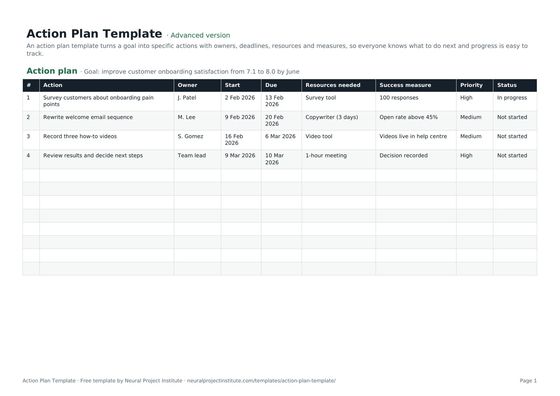 Action Plan TemplateFree action plan template with goal, actions, owners, deadlines, resources, success…Beginner · Advanced · Expert
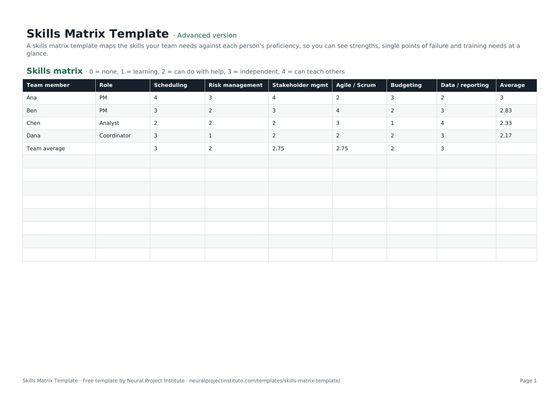 Skills Matrix TemplateFree skills matrix template to rate team members' skills from 0 to 4, spot gaps and plan…Beginner · Advanced · Expert
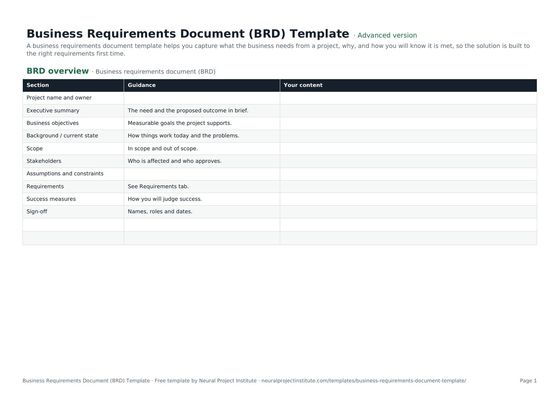 Business Requirements Document (BRD) TemplateFree business requirements document template: objectives, scope, stakeholders,…Beginner · Advanced · Expert
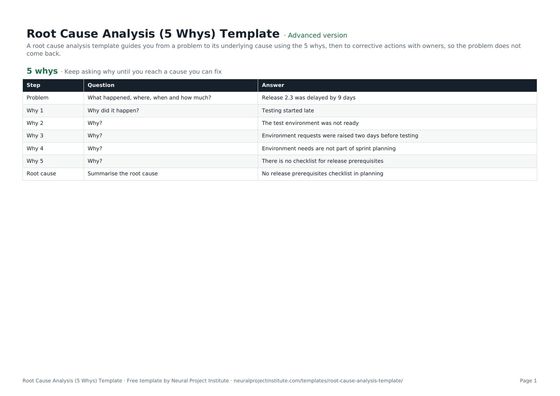 Root Cause Analysis (5 Whys) TemplateFree root cause analysis template using the 5 whys: problem statement, why chain, root…Beginner · Advanced · Expert
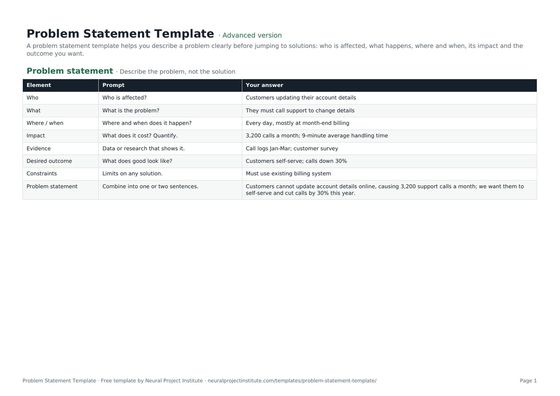 Problem Statement TemplateFree problem statement template: who is affected, what, where and when, impact, evidence,…Beginner · Advanced · Expert