Free Creative Brief Template (Google Sheets, Excel, PDF)
A creative brief template gives designers, writers and agencies everything they need to do great work first time: the objective, audience, single key message, tone, deliverables, mandatories, budget and deadlines.
Free download · no sign-up
Get the creative brief template
Pick your level and format: Google Sheets, Excel or a print-ready PDF. Spreadsheets include dropdowns, formulas and sample rows you can overwrite.
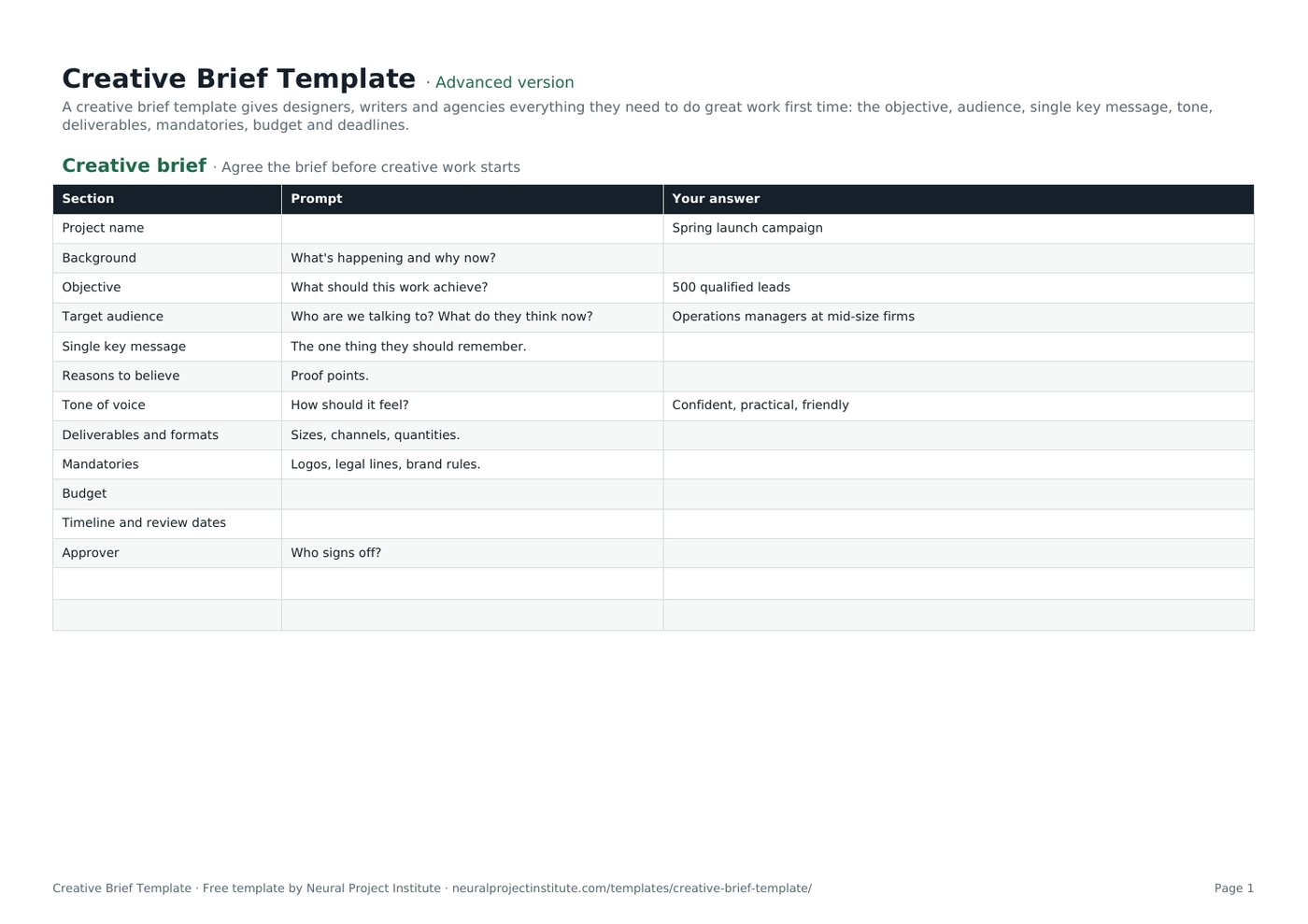
Creative Brief Template preview
| Section | Prompt | Your answer |
|---|---|---|
| Project name | Spring launch campaign | |
| Background | What's happening and why now? | |
| Objective | What should this work achieve? | 500 qualified leads |
| Target audience | Who are we talking to? What do they think now? | Operations managers at mid-size firms |
| Single key message | The one thing they should remember. | |
| Reasons to believe | Proof points. |
Sample rows are examples: replace them with your own.
What's included
- 12 prompts from objective to approval, with examples
- Creative brief: Section, Prompt, Your answer
How to use the creative brief template
- Write the objective and audience first.
- Distil the single key message and supporting proof.
- List deliverables, formats and mandatories.
- Add budget, timeline, review dates and the approver.
- Brief the team in person and invite questions.
Tips for getting the most from it
- One message per brief.
- Describe what the audience thinks now and what you want them to think.
- Include examples of what you like and dislike.
- Agree review rounds up front.
Learn more
Frequently asked questions
What is a creative brief template?
A creative brief template is a short document that tells creative teams the objective, audience, message, tone, deliverables and constraints for a piece of work.
Is this creative brief template free?
Yes. The creative brief template is free in Google Sheets, Excel and PDF.
What should a creative brief template include?
Background, objective, audience, single key message, proof, tone, deliverables, mandatories, budget, timeline and approver.
How long should a creative brief template be?
One page; if it is longer, the message is probably not clear.
Who writes the creative brief template?
The marketer or account manager requesting the work, agreed with the creative lead.
What is the difference between a creative brief template and a project brief template?
A creative brief focuses on message and creative direction; a project brief covers the whole project.
Can I use the creative brief template for an agency?
Yes. Agencies use a creative brief template to align with clients before starting work.
Can I use the creative brief template for video or design requests?
Yes. Add formats, lengths and sizes in the deliverables section.
How does a creative brief template reduce revisions?
Clear objectives, messages and mandatories mean fewer rounds of feedback.
Can I download the creative brief template as a PDF?
Yes. Use the PDF button for a printable creative brief template.
What is the difference between the beginner, advanced and expert creative brief template?
The beginner creative brief template keeps only the essential columns on one tab; the advanced version is the full template with every tab, dropdown and formula; the expert version adds instructions and revision history.
Related templates
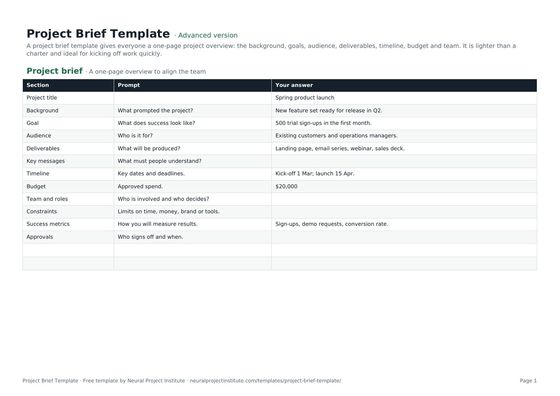 Project Brief TemplateFree project brief template for a one-page project overview: background, goals, audience,…Beginner · Advanced · Expert
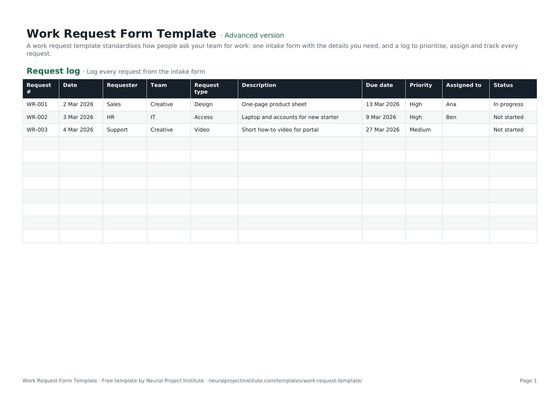 Work Request Form TemplateFree work request template: intake form, request log, priority, due date, owner and…Beginner · Advanced · Expert
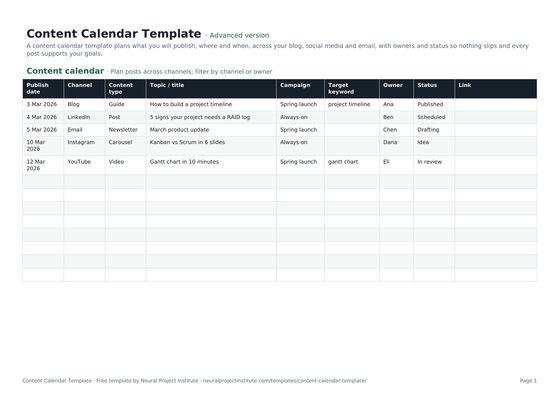 Content Calendar TemplateFree content calendar template for blogs, social media and email: dates, channels,…Beginner · Advanced · Expert
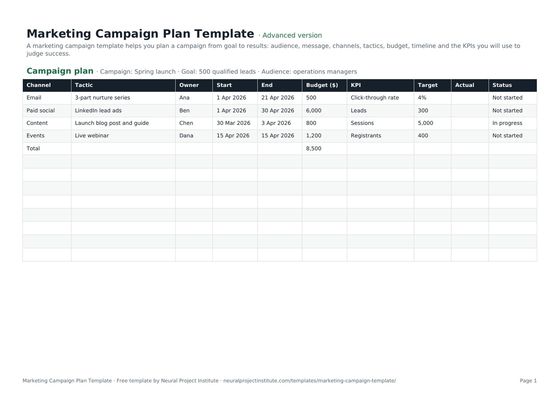 Marketing Campaign Plan TemplateFree marketing campaign template: goal, audience, message, channels, tactics, budget,…Beginner · Advanced · Expert
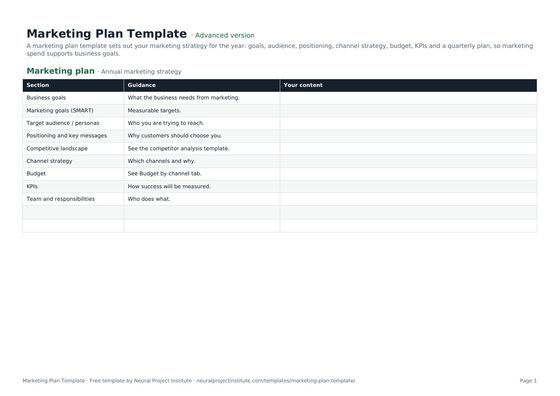 Marketing Plan TemplateFree marketing plan template: goals, audience, positioning, channel strategy, budget,…Beginner · Advanced · Expert
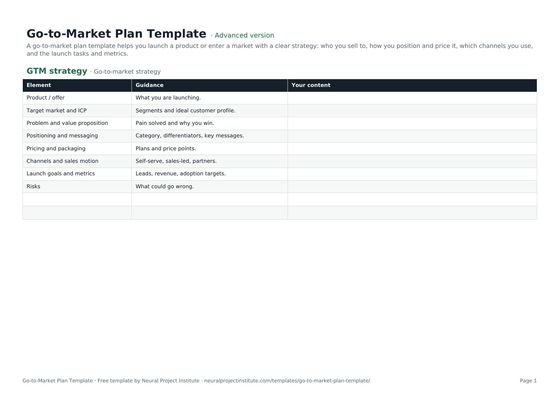 Go-to-Market Plan TemplateFree go-to-market plan template: target market, positioning, pricing, channels, launch…Beginner · Advanced · Expert