Templates · Meetings & productivity
Free Work Request Form Template and Intake Log (Sheets, Excel, PDF)
A work request template standardises how people ask your team for work: one intake form with the details you need, and a log to prioritise, assign and track every request.
Free download · no sign-up
Get the work request template
Pick your level and format: Google Sheets, Excel or a print-ready PDF. Spreadsheets include dropdowns, formulas and sample rows you can overwrite.
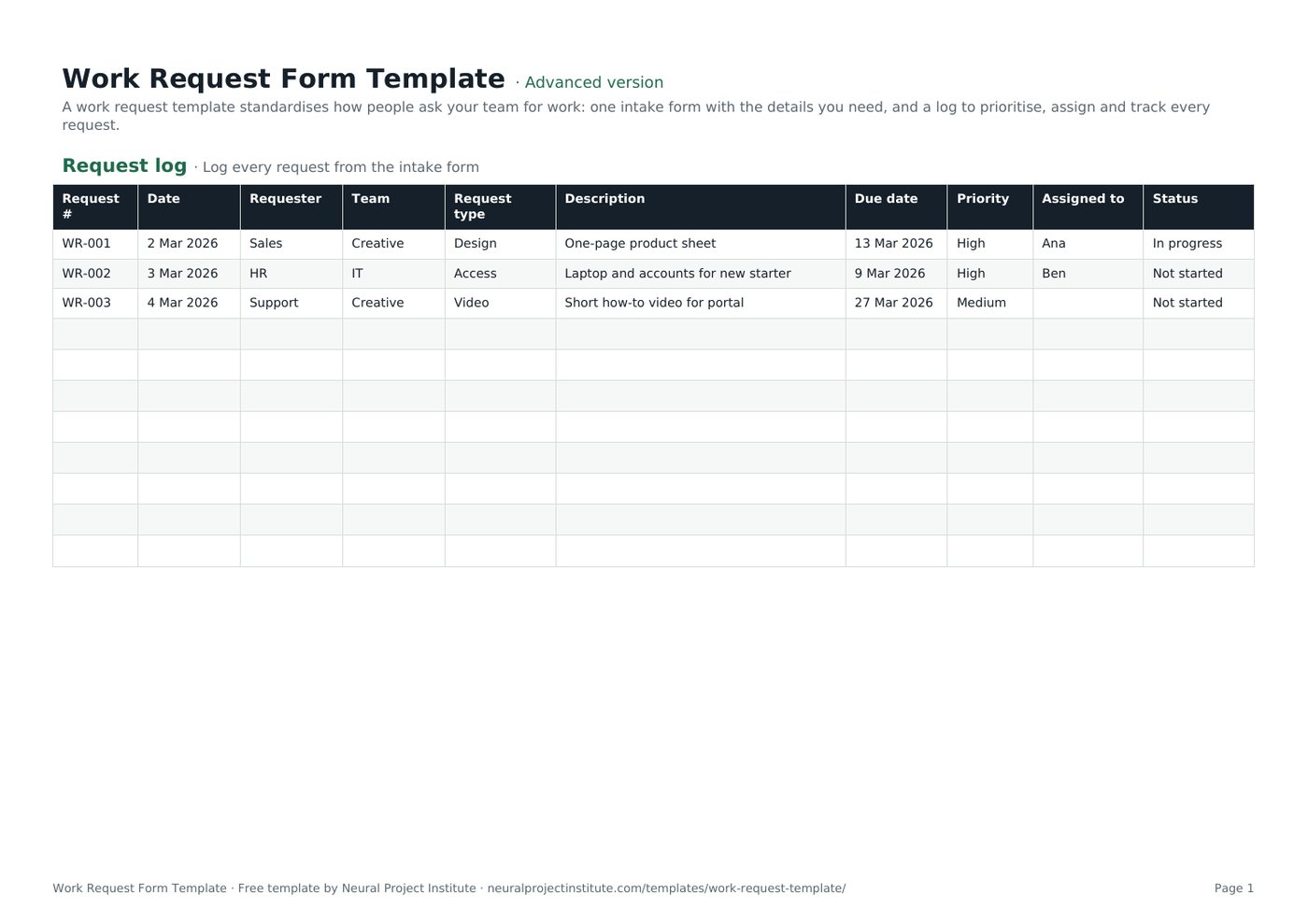
Work Request Form Template preview
| Request # | Date | Requester | Team | Request type | Description | Due date | Priority | Assigned to | Status |
|---|---|---|---|---|---|---|---|---|---|
| WR-001 | 2 Mar 2026 | Sales | Creative | Design | One-page product sheet | 13 Mar 2026 | High | Ana | In progress |
| WR-002 | 3 Mar 2026 | HR | IT | Access | Laptop and accounts for new starter | 9 Mar 2026 | High | Ben | Not started |
| WR-003 | 4 Mar 2026 | Support | Creative | Video | Short how-to video for portal | 27 Mar 2026 | Medium | Not started |
Sample rows are examples: replace them with your own.
What's included
- An intake form with nine questions
- A request log with type, priority, owner, dates and status
- Works as a creative request or help desk ticket template
- Request log: Request #, Date, Requester, Team, Request type, Description, Due date, Priority, Assigned to, Status
- Request form: Field, Your answer
How to use the work request template
- Share the Request form tab (or a Google Form based on it) with requesters.
- Log each request with a number and date.
- Triage weekly: set priority and assign an owner.
- Agree due dates with requesters.
- Track status and close requests when delivered.
Tips for getting the most from it
- Make 'why' a required field.
- Publish your turnaround times.
- Reject or defer requests openly.
- Automate intake with a form in your work management tool.
Learn more
Frequently asked questions
What is a work request template?
A work request template is a form and log for submitting, prioritising and tracking requests to a team.
Is this work request template free?
Yes. The work request template is free in Google Sheets, Excel and PDF.
What should a work request template include?
Requester, description, business goal, deliverables, due date, budget, approver and attachments.
Can I use the work request template as a creative request template?
Yes. Add fields for brand, channels and sizes to use it as a creative request template.
Can I use the work request template as a help desk ticket template?
Yes. Change request types to access, bug and hardware to use it as a help desk ticket template.
How do I prioritise requests in the work request template?
Score value and urgency, then set High, Medium or Low priority in the request log.
Can I turn the work request template into a Google Form?
Yes. Copy the questions into Google Forms and send responses to the request log sheet.
Who manages the work request template?
A team lead or coordinator triages and assigns requests.
How does a work request template reduce ad hoc requests?
One intake route gives the team visibility and lets them prioritise fairly.
Can I download the work request template as a PDF?
Yes. Use the PDF button to print the work request form.
What is the difference between the beginner, advanced and expert work request template?
The beginner work request template keeps only the essential columns on one tab; the advanced version is the full template with every tab, dropdown and formula; the expert version adds a live dashboard, instructions, revision history and status colours.
Related templates
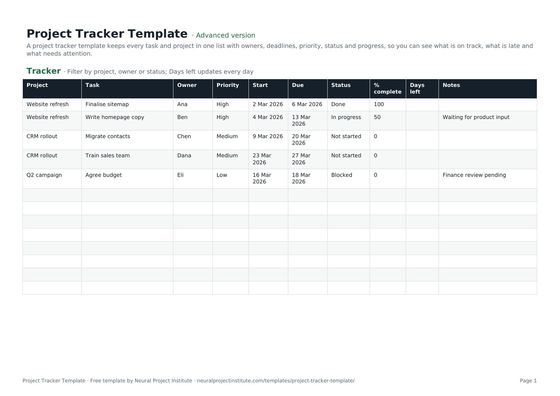 Project Tracker TemplateFree project tracker template to track tasks, owners, deadlines, priority, status and…Beginner · Advanced · Expert
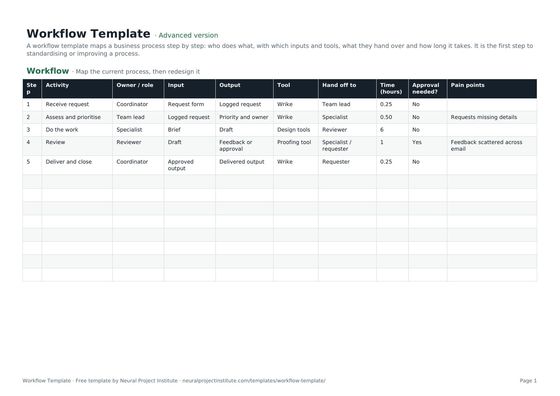 Workflow TemplateFree workflow template to map business process steps, owners, inputs, outputs, tools,…Beginner · Advanced · Expert
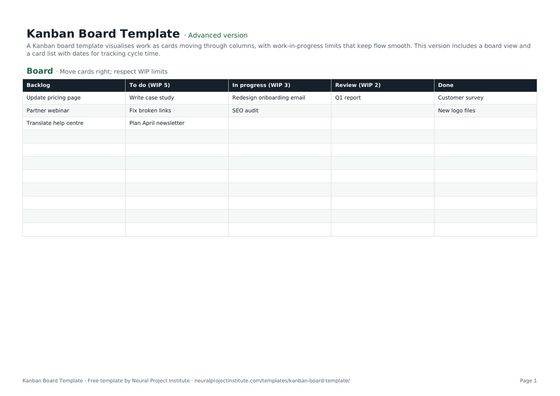 Kanban Board TemplateFree Kanban board template with To Do, In Progress, Review and Done columns, WIP limits…Beginner · Advanced · Expert
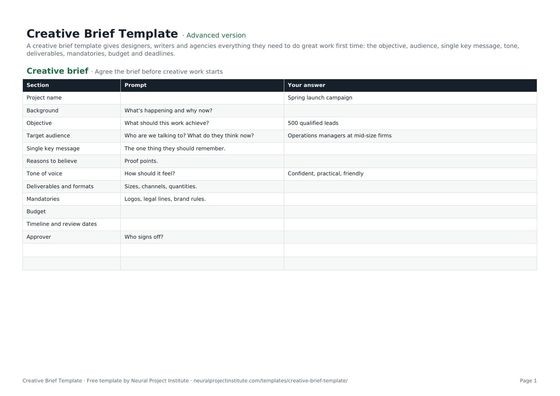 Creative Brief TemplateFree creative brief template: objective, audience, key message, tone, deliverables,…Beginner · Advanced · Expert
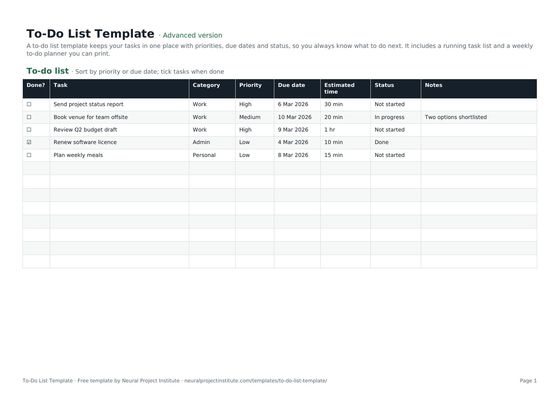 To-Do List TemplateFree to-do list template with priority, due date, category and status, plus a weekly…Beginner · Advanced · Expert
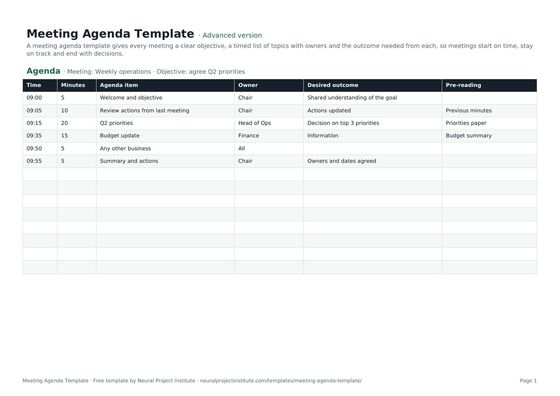 Meeting Agenda TemplateFree meeting agenda template with objective, timed items, owners, outcomes and…Beginner · Advanced · Expert