Free Kanban Board Template (Google Sheets, Excel, PDF)
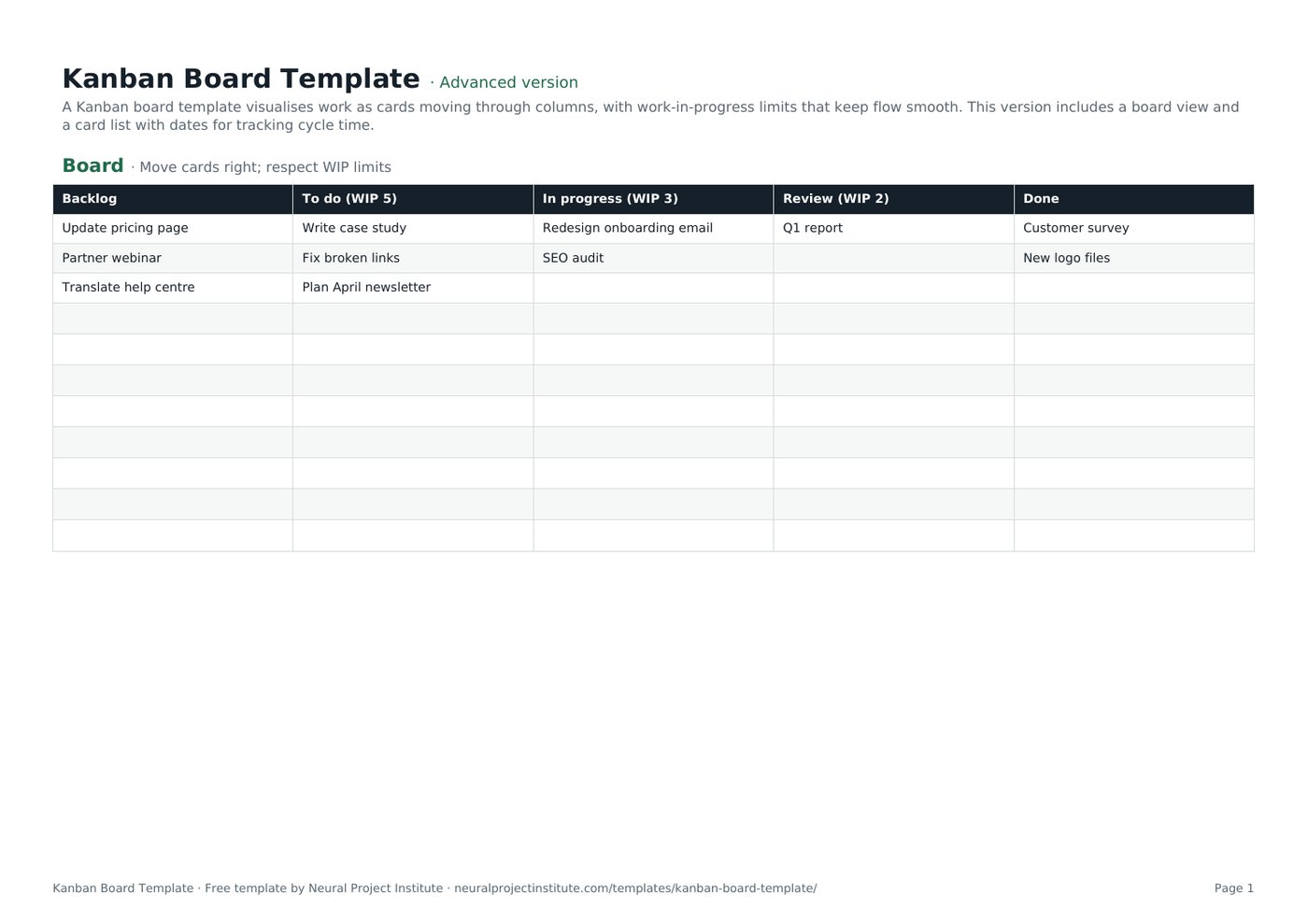
A Kanban board template visualises work as cards moving through columns, with work-in-progress limits that keep flow smooth. This version includes a board view and a card list with dates for tracking cycle time.
Free download · no sign-up
Get the Kanban board template
Pick your level and format: Google Sheets, Excel or a print-ready PDF. Spreadsheets include dropdowns, formulas and sample rows you can overwrite.
Kanban Board Template preview
| Backlog | To do (WIP 5) | In progress (WIP 3) | Review (WIP 2) | Done |
|---|---|---|---|---|
| Update pricing page | Write case study | Redesign onboarding email | Q1 report | Customer survey |
| Partner webinar | Fix broken links | SEO audit | New logo files | |
| Translate help centre | Plan April newsletter |
Sample rows are examples: replace them with your own.
What's included
- A board view with WIP-limited columns
- A card list with owner, class of service, dates, cycle time and blocked flag
- Board: Backlog, To do (WIP 5), In progress (WIP 3), Review (WIP 2), Done
- Cards: Card, Owner, Class of service, Column, Started, Finished, Cycle time (days), Blocked?
How to use the Kanban board template
- Rename the columns to match your workflow and set a WIP limit for each.
- Add work items as cards in the Backlog column.
- Pull cards to the right only when there is capacity under the WIP limit.
- Record start and finish dates on the Cards tab to measure cycle time.
- Review the board daily and improve the process regularly.
Tips for getting the most from it
- Lower WIP limits until work flows smoothly.
- Make blocked work visible.
- Use classes of service for urgent work.
- See our Kanban boards guide for more.
Learn more
Frequently asked questions
What is a Kanban board template?
A Kanban board template is a ready-made board with workflow columns and cards for visualising and limiting work in progress.
Is this Kanban board template free?
Yes. The Kanban board template is free in Google Sheets, Excel and PDF.
What columns should a Kanban board template have?
At minimum To do, In progress and Done; many teams add Backlog and Review.
How do I set WIP limits in a Kanban board template?
Write the limit in each column header and only pull new cards when the column is under its limit.
Can I use the Kanban board template in Excel?
Yes. The .xlsx Kanban board template works in Excel; move cards by cutting and pasting between columns.
Is there a Kanban card template included in the Kanban board template?
Yes. The Cards tab is a Kanban card template with owner, class of service, dates and cycle time.
Can I use the Kanban board template for personal tasks?
Yes. It works as a personal Kanban board.
How does the Kanban board template measure cycle time?
Cycle time = finish date − start date + 1, calculated on the Cards tab.
What is the difference between a Kanban board template and a Scrum board?
A Kanban board template is continuous with WIP limits; a Scrum board resets each Sprint.
When should I move from a Kanban board template to software?
When you need real-time collaboration, automation or flow metrics, use a tool such as Trello or Wrike.
What is the difference between the beginner, advanced and expert Kanban board template?
The beginner Kanban board template keeps only the essential columns on one tab; the advanced version is the full template with every tab, dropdown and formula; the expert version adds a live dashboard, instructions and revision history.
Related templates
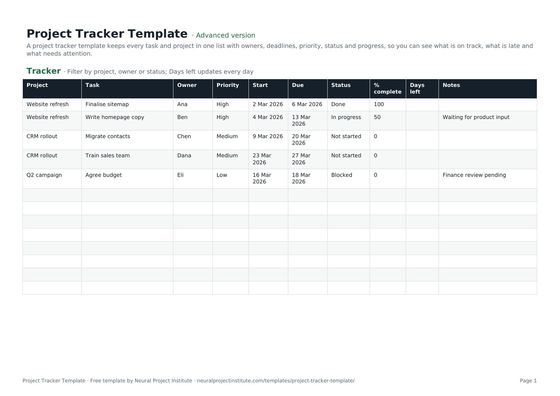 Project Tracker TemplateFree project tracker template to track tasks, owners, deadlines, priority, status and…Beginner · Advanced · Expert
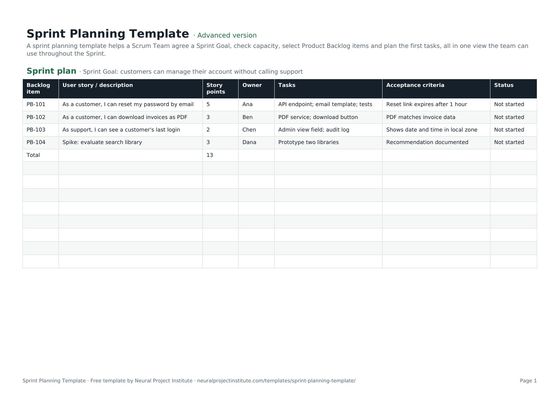 Sprint Planning TemplateFree sprint planning template with Sprint Goal, capacity, selected backlog items, story…Beginner · Advanced · Expert
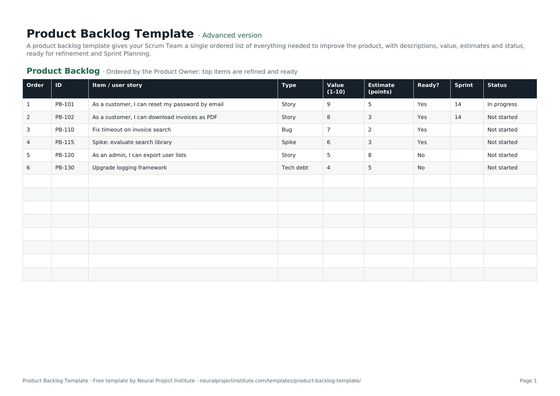 Product Backlog TemplateFree product backlog template with ordered items, user stories, value, estimates, Sprint…Beginner · Advanced · Expert
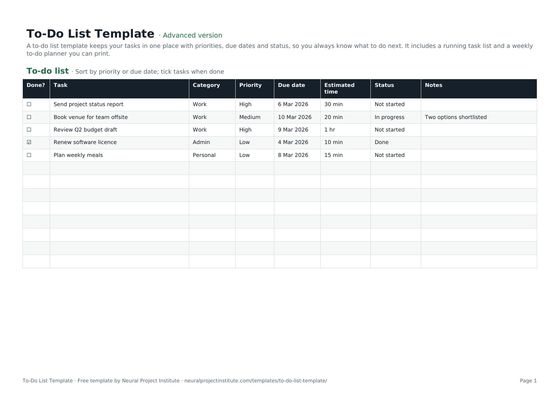 To-Do List TemplateFree to-do list template with priority, due date, category and status, plus a weekly…Beginner · Advanced · Expert
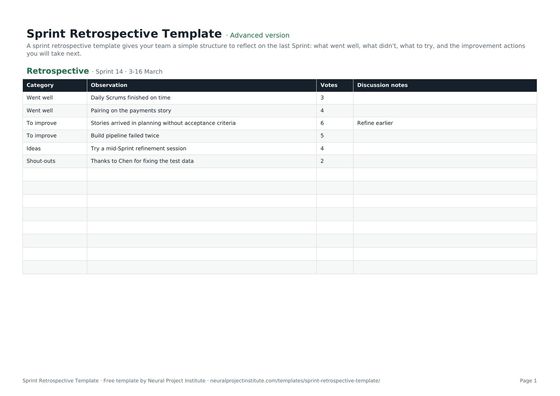 Sprint Retrospective TemplateFree sprint retrospective template: what went well, what to improve, ideas and action…Beginner · Advanced · Expert
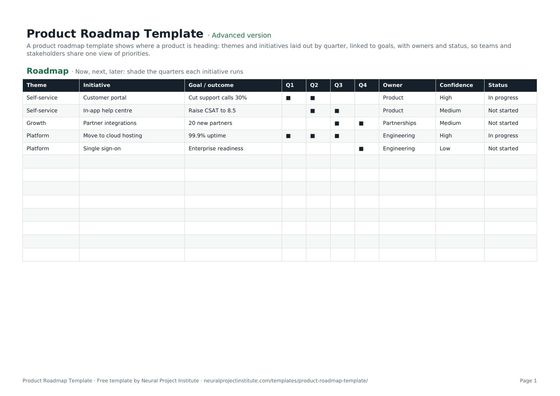 Product Roadmap TemplateFree product roadmap template with themes, initiatives, quarters, owners and status; also…Beginner · Advanced · Expert