Free Product Backlog Template (Google Sheets, Excel, PDF)
A product backlog template gives your Scrum Team a single ordered list of everything needed to improve the product, with descriptions, value, estimates and status, ready for refinement and Sprint Planning.
Free download · no sign-up
Get the product backlog template
Pick your level and format: Google Sheets, Excel or a print-ready PDF. Spreadsheets include dropdowns, formulas and sample rows you can overwrite.
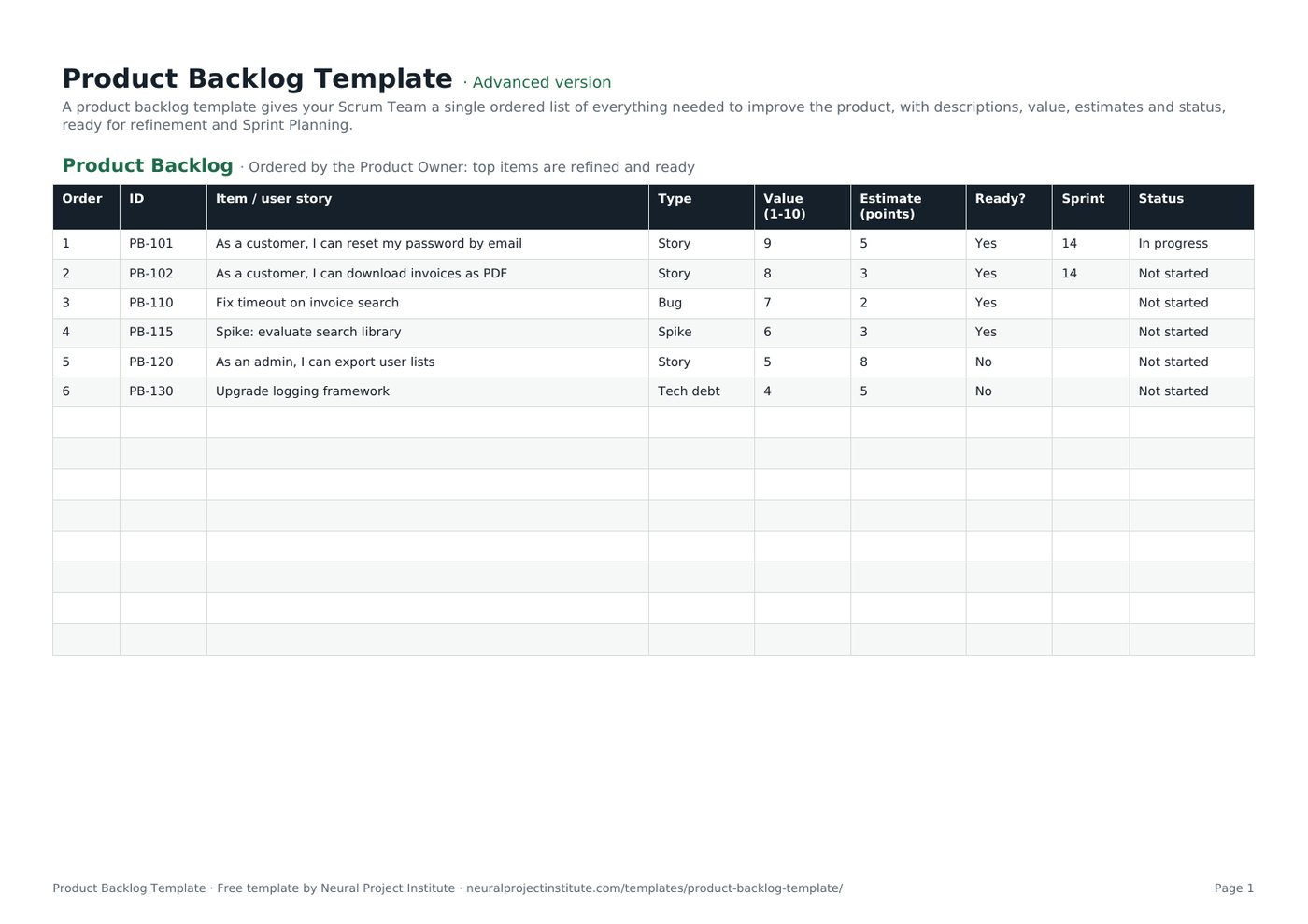
Product Backlog Template preview
| Order | ID | Item / user story | Type | Value (1-10) | Estimate (points) | Ready? | Sprint | Status |
|---|---|---|---|---|---|---|---|---|
| 1 | PB-101 | As a customer, I can reset my password by email | Story | 9 | 5 | Yes | 14 | In progress |
| 2 | PB-102 | As a customer, I can download invoices as PDF | Story | 8 | 3 | Yes | 14 | Not started |
| 3 | PB-110 | Fix timeout on invoice search | Bug | 7 | 2 | Yes | Not started | |
| 4 | PB-115 | Spike: evaluate search library | Spike | 6 | 3 | Yes | Not started | |
| 5 | PB-120 | As an admin, I can export user lists | Story | 5 | 8 | No | Not started | |
| 6 | PB-130 | Upgrade logging framework | Tech debt | 4 | 5 | No | Not started |
Sample rows are examples: replace them with your own.
What's included
- Ordered items with ID, description, type, value, estimate, readiness, Sprint and status
- Product Backlog: Order, ID, Item / user story, Type, Value (1-10), Estimate (points), Ready?, Sprint, Status
How to use the product backlog template
- Add every known item: stories, bugs, spikes and technical debt.
- Order the list by value, risk and dependencies; the Product Owner decides the order.
- Refine top items with the team and estimate them; see backlog refinement.
- Mark items Ready when they meet your readiness checklist.
- Pull ready items into Sprint Planning.
Tips for getting the most from it
- Keep only the top items detailed.
- Remove items that no longer add value.
- Make the Product Goal visible above the backlog.
- Use user stories for clarity.
Learn more
Frequently asked questions
What is a product backlog template?
A product backlog template is an ordered list of everything needed to improve a product, with descriptions, value, estimates and status.
Is this product backlog template free?
Yes. The product backlog template is free in Google Sheets, Excel and PDF.
Who owns the product backlog template?
The Product Owner is accountable for the Product Backlog, including its order.
What should a product backlog template include?
Order, ID, description or user story, type, value, estimate, readiness, target Sprint and status.
How is a product backlog template ordered?
By value, risk, dependencies and learning needs, as decided by the Product Owner.
What is the difference between a product backlog template and a sprint backlog?
The product backlog lists all future work; the sprint backlog is the subset chosen for the current Sprint.
Can I use the product backlog template in Excel?
Yes. The .xlsx product backlog template has dropdowns for type and readiness.
How often should the product backlog template be refined?
Continuously; many teams spend up to 10% of each Sprint on refinement.
Can bugs go in the product backlog template?
Yes. Bugs, spikes and technical debt belong in the same product backlog.
When should I move from a product backlog template to a tool?
When several teams share a backlog or you need integrations, use a tool such as Jira or Wrike.
What is the difference between the beginner, advanced and expert product backlog template?
The beginner product backlog template keeps only the essential columns on one tab; the advanced version is the full template with every tab, dropdown and formula; the expert version adds a live dashboard, instructions, revision history and status colours.
Related templates
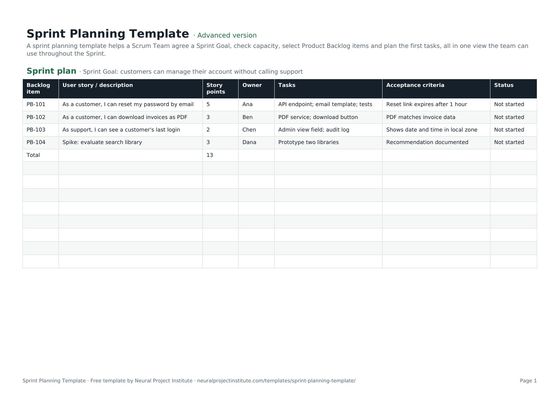 Sprint Planning TemplateFree sprint planning template with Sprint Goal, capacity, selected backlog items, story…Beginner · Advanced · Expert
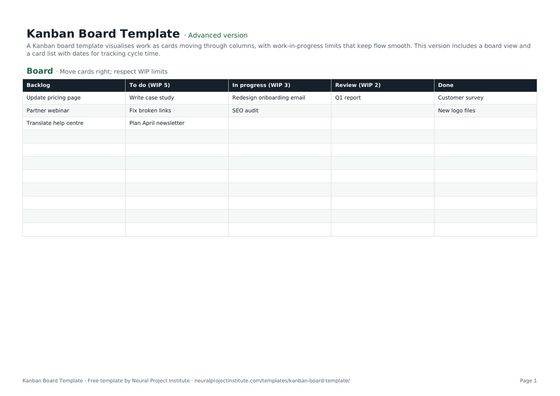 Kanban Board TemplateFree Kanban board template with To Do, In Progress, Review and Done columns, WIP limits…Beginner · Advanced · Expert
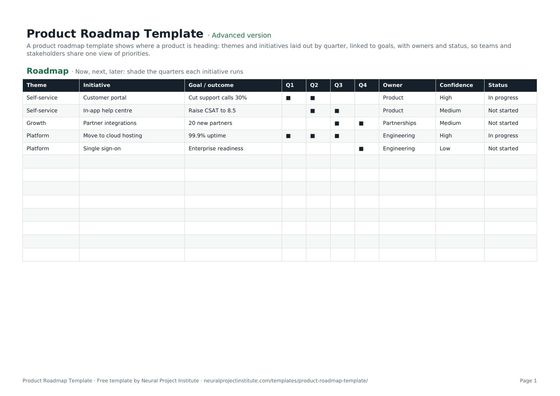 Product Roadmap TemplateFree product roadmap template with themes, initiatives, quarters, owners and status; also…Beginner · Advanced · Expert
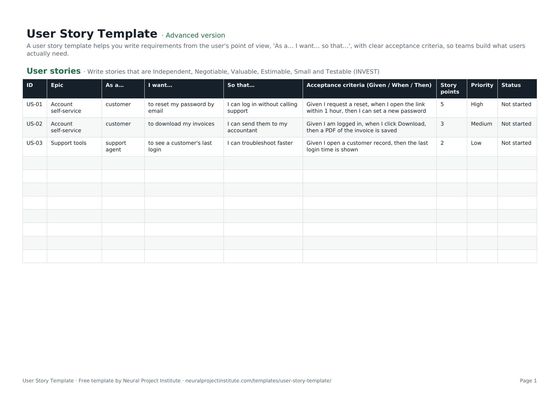 User Story TemplateFree user story template: As a / I want / so that, acceptance criteria, epic, estimate…Beginner · Advanced · Expert
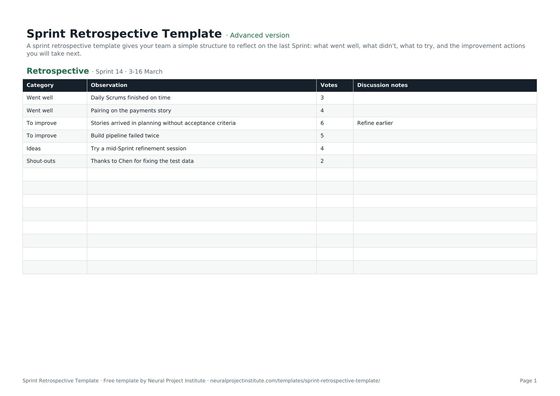 Sprint Retrospective TemplateFree sprint retrospective template: what went well, what to improve, ideas and action…Beginner · Advanced · Expert
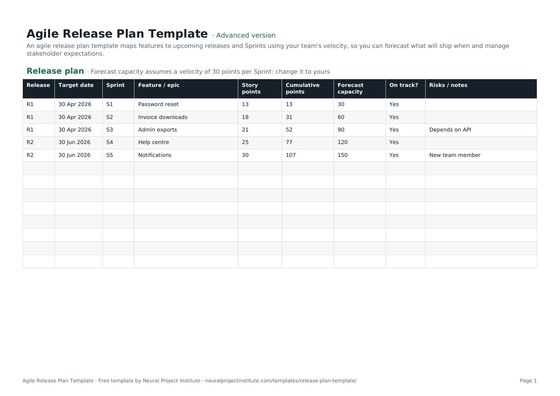 Agile Release Plan TemplateFree agile release plan template: releases, Sprints, features, story points, velocity…Beginner · Advanced · Expert