Free User Story Template with Acceptance Criteria (Sheets, Excel, PDF)
A user story template helps you write requirements from the user's point of view, 'As a… I want… so that…', with clear acceptance criteria, so teams build what users actually need.
Free download · no sign-up
Get the user story template
Pick your level and format: Google Sheets, Excel or a print-ready PDF. Spreadsheets include dropdowns, formulas and sample rows you can overwrite.
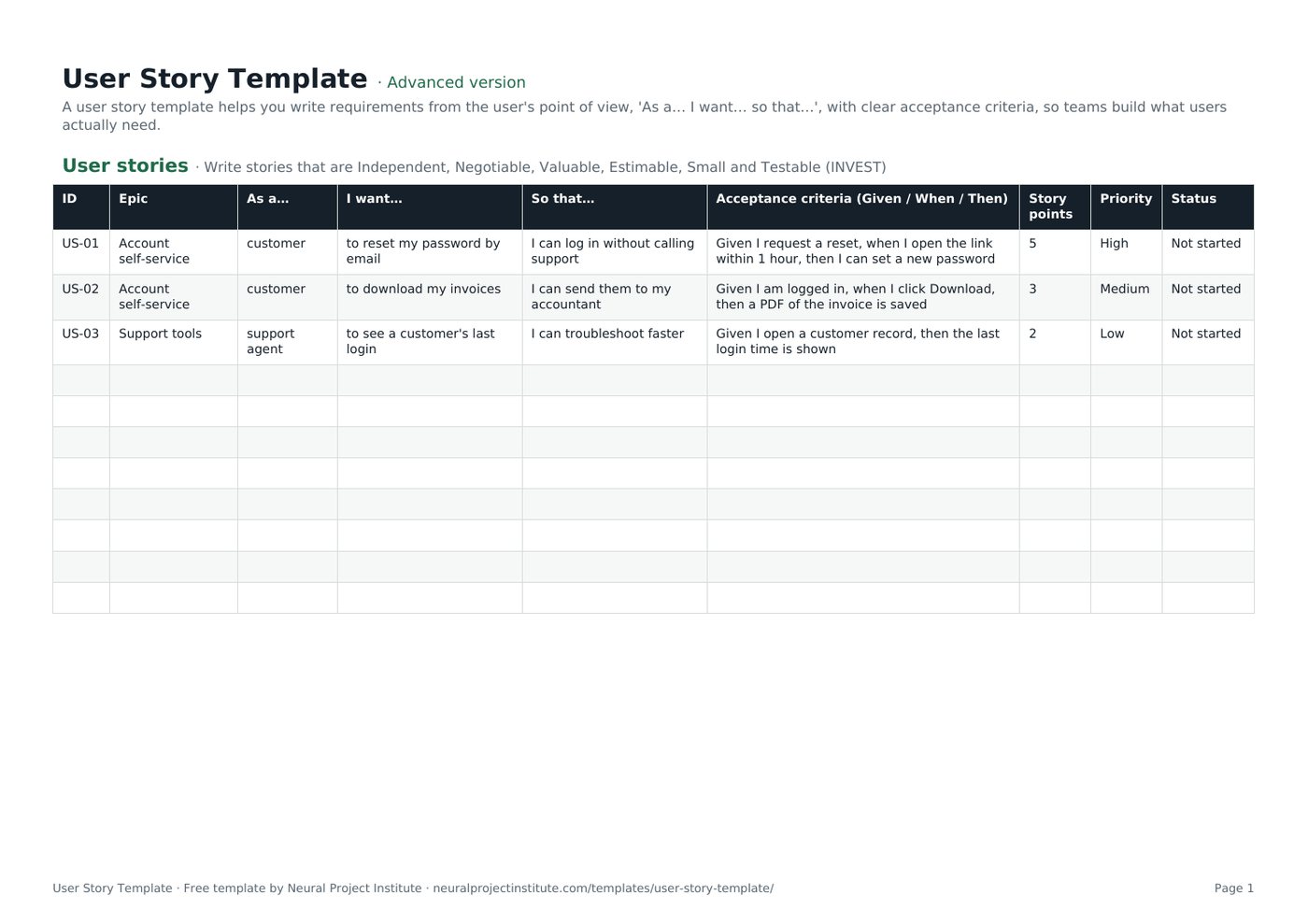
User Story Template preview
| ID | Epic | As a… | I want… | So that… | Acceptance criteria (Given / When / Then) | Story points | Priority | Status |
|---|---|---|---|---|---|---|---|---|
| US-01 | Account self-service | customer | to reset my password by email | I can log in without calling support | Given I request a reset, when I open the link within 1 hour, then I can set a new password | 5 | High | Not started |
| US-02 | Account self-service | customer | to download my invoices | I can send them to my accountant | Given I am logged in, when I click Download, then a PDF of the invoice is saved | 3 | Medium | Not started |
| US-03 | Support tools | support agent | to see a customer's last login | I can troubleshoot faster | Given I open a customer record, then the last login time is shown | 2 | Low | Not started |
Sample rows are examples: replace them with your own.
What's included
- User stories with role, need, benefit, acceptance criteria, points, priority and status
- An epic template linking stories to goals
- User stories: ID, Epic, As a…, I want…, So that…, Acceptance criteria (Given / When / Then), Story points, Priority, Status
- Epics: Epic, Description, Goal, Stories, Owner, Status
How to use the user story template
- Identify the user role and write the story as As a… I want… so that….
- Add acceptance criteria, ideally in Given/When/Then form.
- Group stories under epics on the Epics tab.
- Estimate with the team in story points and set priority.
- Split stories that are too large to finish in one Sprint.
Tips for getting the most from it
- Write from the user's view, not the system's.
- Keep the 'so that' clause: it explains value.
- Use INVEST to check quality.
- See epics vs stories vs tasks.
Learn more
Frequently asked questions
What is a user story template?
A user story template is a format for writing requirements as 'As a [user], I want [goal] so that [benefit]', with acceptance criteria.
Is this user story template free?
Yes. The user story template is free in Google Sheets, Excel and PDF.
What is the standard user story template format?
As a [type of user], I want [some goal] so that [some reason].
How do I write acceptance criteria in the user story template?
Use clear, testable statements, often Given/When/Then, that define when the story is done.
Does the user story template include an epic template?
Yes. The Epics tab is an agile epic template that groups related user stories.
What is INVEST in a user story template?
Independent, Negotiable, Valuable, Estimable, Small and Testable: a checklist for good user stories.
Who writes stories in the user story template?
Usually the Product Owner, collaborating with the team and stakeholders.
How big should a story in the user story template be?
Small enough to finish within one Sprint; split larger stories.
Can I use the user story template in Jira?
Yes. Copy the format into Jira issues, or import the user stories from the spreadsheet.
What is the difference between a user story template and a use case template?
A user story is a short statement of need; a use case describes detailed interaction steps.
What is the difference between the beginner, advanced and expert user story template?
The beginner user story template keeps only the essential columns on one tab; the advanced version is the full template with every tab, dropdown and formula; the expert version adds a live dashboard, instructions, revision history and status colours.
Related templates
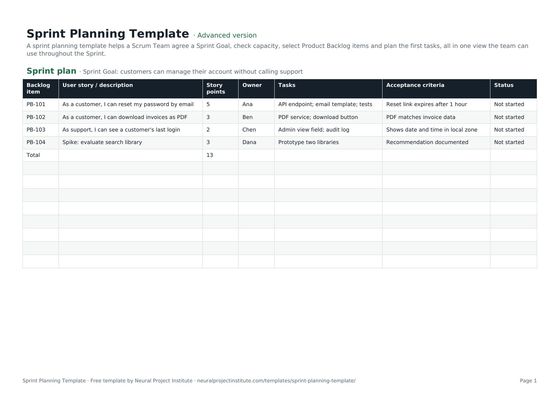 Sprint Planning TemplateFree sprint planning template with Sprint Goal, capacity, selected backlog items, story…Beginner · Advanced · Expert
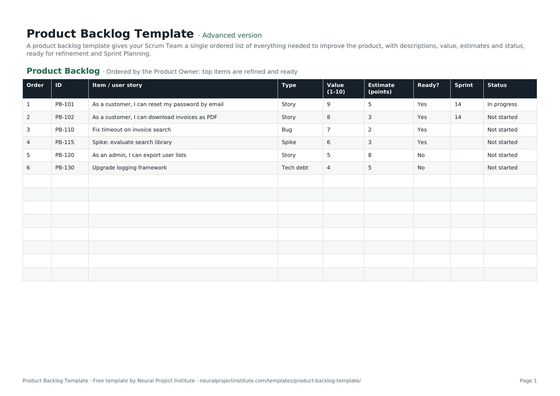 Product Backlog TemplateFree product backlog template with ordered items, user stories, value, estimates, Sprint…Beginner · Advanced · Expert
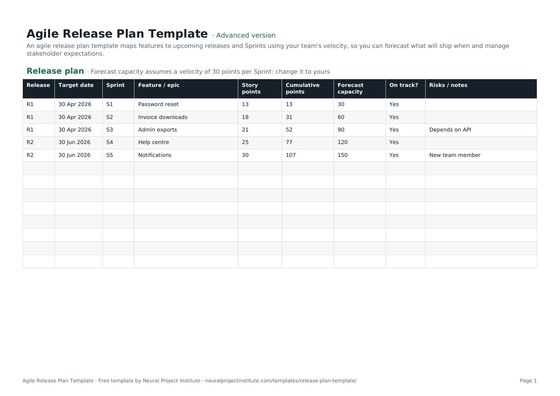 Agile Release Plan TemplateFree agile release plan template: releases, Sprints, features, story points, velocity…Beginner · Advanced · Expert
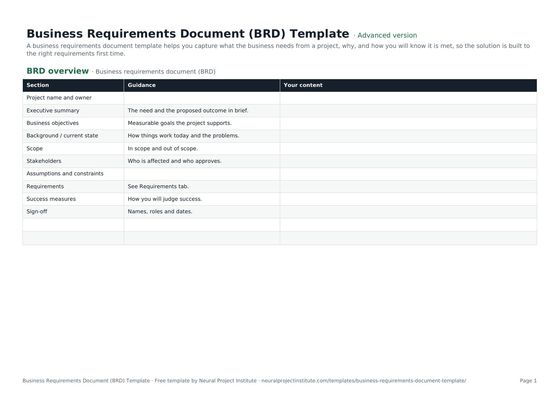 Business Requirements Document (BRD) TemplateFree business requirements document template: objectives, scope, stakeholders,…Beginner · Advanced · Expert
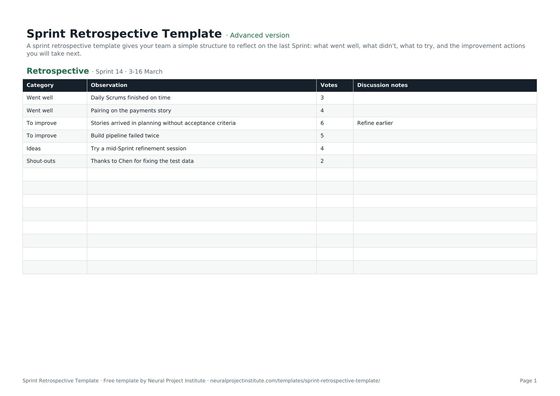 Sprint Retrospective TemplateFree sprint retrospective template: what went well, what to improve, ideas and action…Beginner · Advanced · Expert
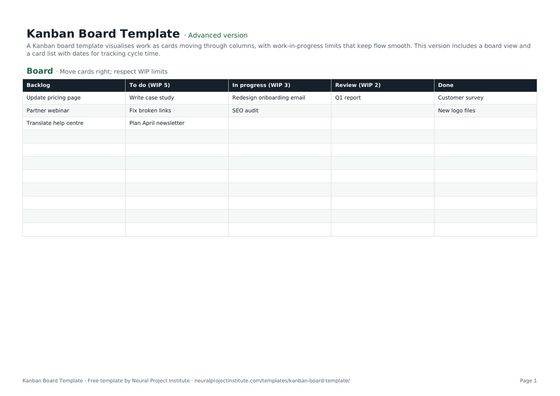 Kanban Board TemplateFree Kanban board template with To Do, In Progress, Review and Done columns, WIP limits…Beginner · Advanced · Expert