Free Sprint Retrospective Template (Google Sheets, Excel, PDF)
A sprint retrospective template gives your team a simple structure to reflect on the last Sprint: what went well, what didn't, what to try, and the improvement actions you will take next.
Free download · no sign-up
Get the sprint retrospective template
Pick your level and format: Google Sheets, Excel or a print-ready PDF. Spreadsheets include dropdowns, formulas and sample rows you can overwrite.
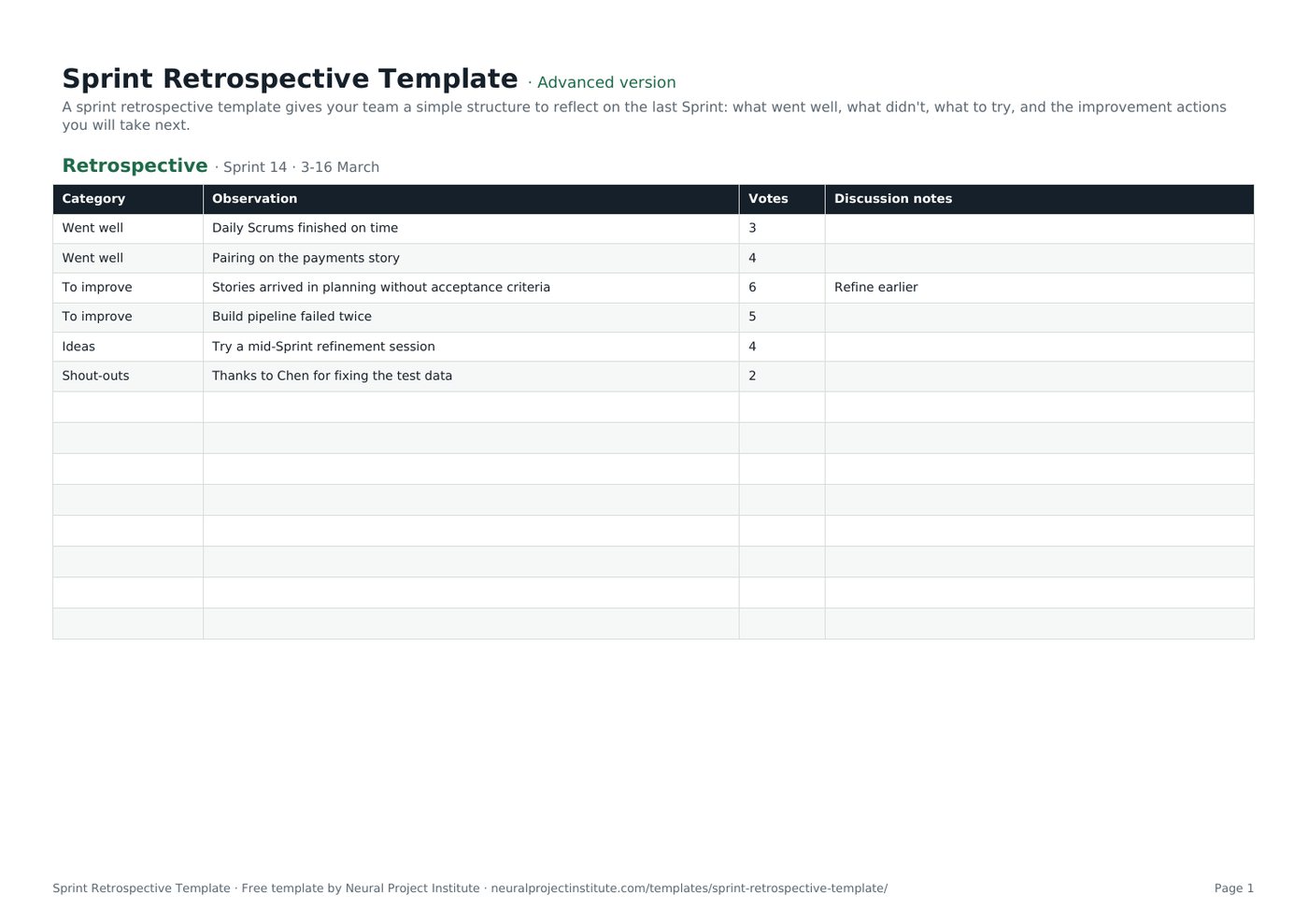
Sprint Retrospective Template preview
| Category | Observation | Votes | Discussion notes |
|---|---|---|---|
| Went well | Daily Scrums finished on time | 3 | |
| Went well | Pairing on the payments story | 4 | |
| To improve | Stories arrived in planning without acceptance criteria | 6 | Refine earlier |
| To improve | Build pipeline failed twice | 5 | |
| Ideas | Try a mid-Sprint refinement session | 4 | |
| Shout-outs | Thanks to Chen for fixing the test data | 2 |
Sample rows are examples: replace them with your own.
What's included
- Observation board with categories and votes
- Action items with owners, dates, measures and status
- Retrospective: Category, Observation, Votes, Discussion notes
- Action items: Action, Owner, Due, Success measure, Status
How to use the sprint retrospective template
- Set the stage: remind everyone of the Sprint Goal and keep it blameless.
- Gather observations under Went well, To improve and Ideas.
- Vote on the most important items.
- Discuss root causes and agree one to three actions with owners on the Action items tab.
- Start the next retrospective by reviewing last Sprint's actions.
Tips for getting the most from it
- Change the format occasionally; see retrospective games.
- Limit actions so they actually happen.
- Add improvement actions to the next Sprint Backlog.
- Celebrate wins as well as fixing problems.
Learn more
Frequently asked questions
What is a sprint retrospective template?
A sprint retrospective template is a structured board for reflecting on a Sprint and agreeing improvement actions.
Is this sprint retrospective template free?
Yes. The sprint retrospective template is free in Google Sheets, Excel and PDF.
What are the sections of a sprint retrospective template?
Typically what went well, what to improve, ideas and action items with owners.
How long should a sprint retrospective using this sprint retrospective template take?
Up to three hours for a one-month Sprint, usually shorter for shorter Sprints.
Who attends the meeting that uses the sprint retrospective template?
The whole Scrum Team: Developers, Product Owner and Scrum Master.
How many action items should a sprint retrospective template have?
One to three focused improvements are usually enough.
Can I use the sprint retrospective template for remote teams?
Yes. Share the Google Sheets sprint retrospective template and let people add notes before voting.
What is the difference between a sprint retrospective template and a lessons learned template?
A sprint retrospective is per Sprint; a lessons learned template usually covers a phase or project.
What retrospective formats work with this sprint retrospective template?
Start-Stop-Continue, Mad-Sad-Glad and 4Ls all fit by renaming the categories.
Should the sprint retrospective template be shared outside the team?
Keep detailed notes within the team to keep it safe; share only the agreed actions if needed.
What is the difference between the beginner, advanced and expert sprint retrospective template?
The beginner sprint retrospective template keeps only the essential columns on one tab; the advanced version is the full template with every tab, dropdown and formula; the expert version adds a live dashboard, instructions, revision history and status colours.
Related templates
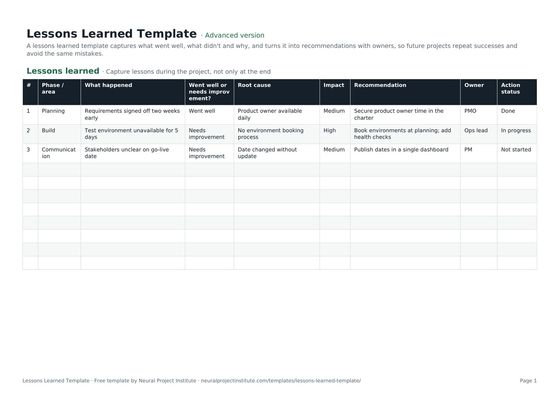 Lessons Learned TemplateFree lessons learned template to capture what went well, what didn't, root causes and…Beginner · Advanced · Expert
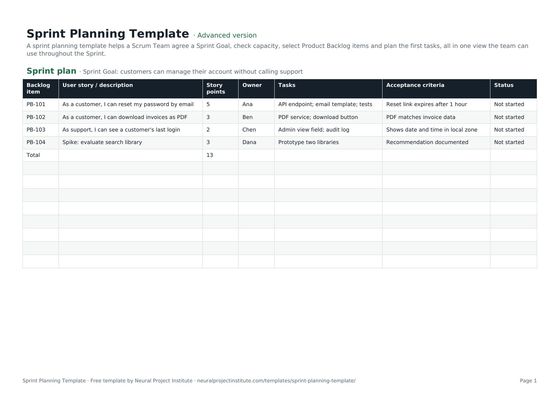 Sprint Planning TemplateFree sprint planning template with Sprint Goal, capacity, selected backlog items, story…Beginner · Advanced · Expert
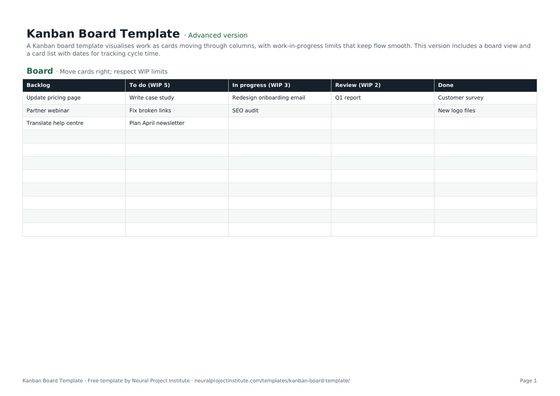 Kanban Board TemplateFree Kanban board template with To Do, In Progress, Review and Done columns, WIP limits…Beginner · Advanced · Expert
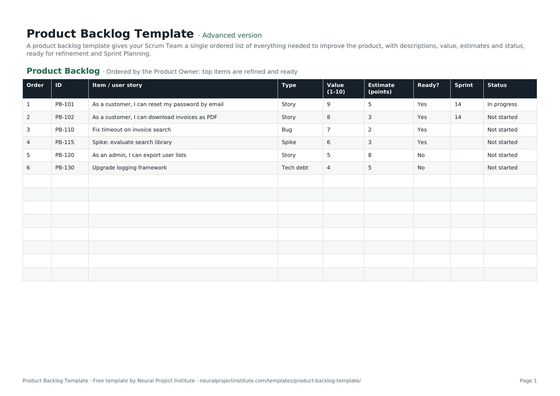 Product Backlog TemplateFree product backlog template with ordered items, user stories, value, estimates, Sprint…Beginner · Advanced · Expert
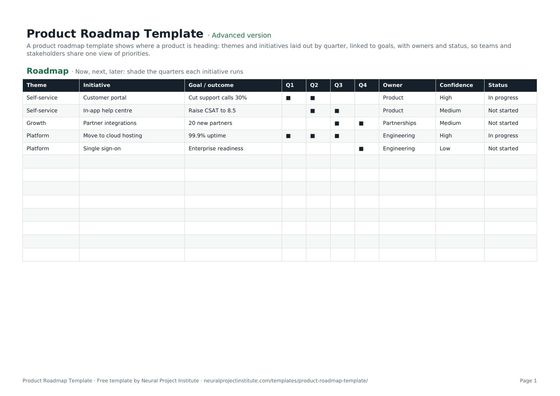 Product Roadmap TemplateFree product roadmap template with themes, initiatives, quarters, owners and status; also…Beginner · Advanced · Expert
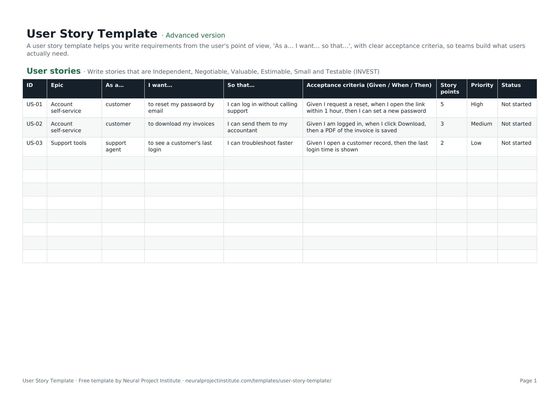 User Story TemplateFree user story template: As a / I want / so that, acceptance criteria, epic, estimate…Beginner · Advanced · Expert