Templates · Meetings & productivity
Free Event Planning Template and Checklist (Sheets, Excel, PDF)
An event planning template organises everything needed to run an event: tasks on a timeline, owners, a budget tracker and a vendor list, so nothing is forgotten on the day.
Free download · no sign-up
Get the event planning template
Pick your level and format: Google Sheets, Excel or a print-ready PDF. Spreadsheets include dropdowns, formulas and sample rows you can overwrite.
Event Planning Template preview
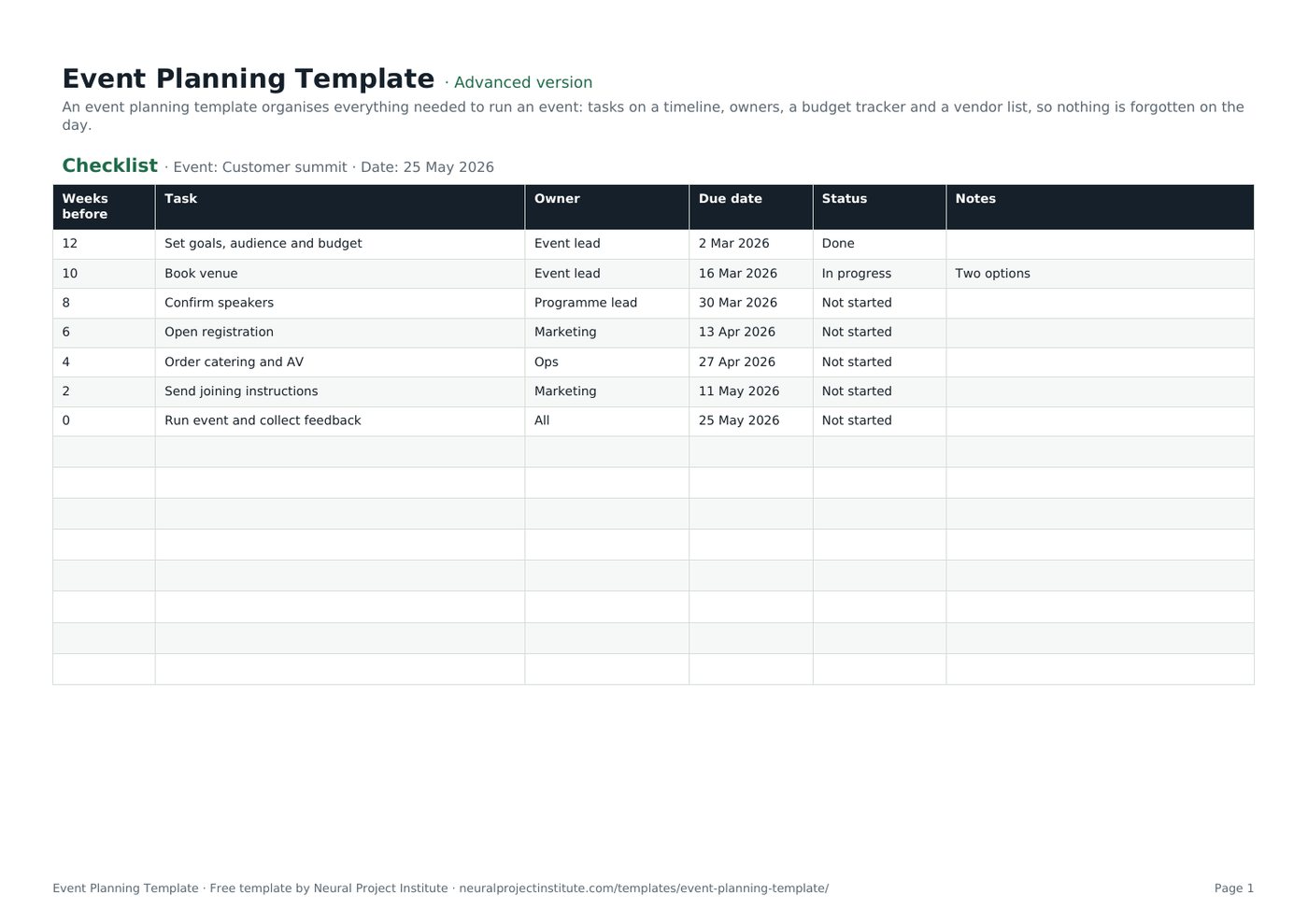
| Weeks before | Task | Owner | Due date | Status | Notes |
|---|---|---|---|---|---|
| 12 | Set goals, audience and budget | Event lead | 2 Mar 2026 | Done | |
| 10 | Book venue | Event lead | 16 Mar 2026 | In progress | Two options |
| 8 | Confirm speakers | Programme lead | 30 Mar 2026 | Not started | |
| 6 | Open registration | Marketing | 13 Apr 2026 | Not started | |
| 4 | Order catering and AV | Ops | 27 Apr 2026 | Not started | |
| 2 | Send joining instructions | Marketing | 11 May 2026 | Not started |
Sample rows are examples: replace them with your own.
What's included
- A countdown checklist with owners and dates
- A budget tracker with estimated, actual and variance
- Checklist: Weeks before, Task, Owner, Due date, Status, Notes
- Budget: Item, Category, Estimated ($), Actual ($), Variance ($), Vendor, Paid?
How to use the event planning template
- Set the event's goal, audience, date and budget.
- Work back from the event date and assign each checklist task an owner.
- Book the venue and key vendors early.
- Track spend on the Budget tab as quotes and invoices arrive.
- After the event, gather feedback and record lessons learned.
Tips for getting the most from it
- Book venues and speakers first: they set the date.
- Keep a 10% contingency.
- Have a run-of-show for the day.
- Use an event calendar for promotion.
Learn more
Frequently asked questions
What is an event planning template?
An event planning template is a checklist and tracker for organising an event's tasks, timeline, budget and vendors.
Is this event planning template free?
Yes. The event planning template is free in Google Sheets, Excel and PDF.
What should an event planning template include?
Goals, a task timeline with owners, budget, vendors, guest management and a day-of run sheet.
How far ahead should I start with the event planning template?
For conferences, three to twelve months; for small events, four to eight weeks.
Does the event planning template include a budget?
Yes. The Budget tab tracks estimated and actual costs with variance.
Can I use the event planning template for weddings or parties?
Yes. Change the tasks and categories to suit any event.
Is there an event planning calendar template?
Use the checklist's dates as an event planning calendar, or pair it with our content calendar template.
Can I use the event planning template as an event management template?
Yes. It covers event management tasks from planning to post-event review.
Can my team share the event planning template?
Yes. Share the Google Sheets event planning template so owners update their tasks.
Can I print the event planning template?
Yes. Download the PDF event planning checklist.
What is the difference between the beginner, advanced and expert event planning template?
The beginner event planning template keeps only the essential columns on one tab; the advanced version is the full template with every tab, dropdown and formula; the expert version adds a live dashboard, instructions, revision history and status colours.
Related templates
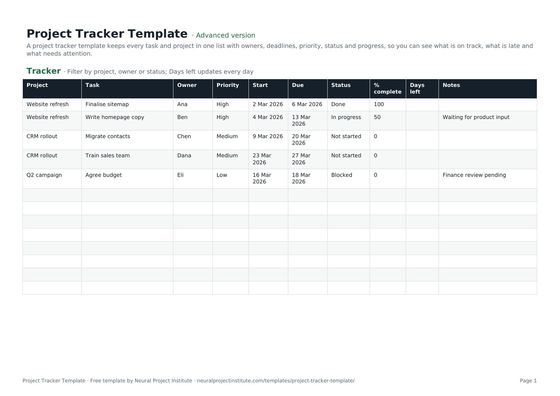 Project Tracker TemplateFree project tracker template to track tasks, owners, deadlines, priority, status and…Beginner · Advanced · Expert
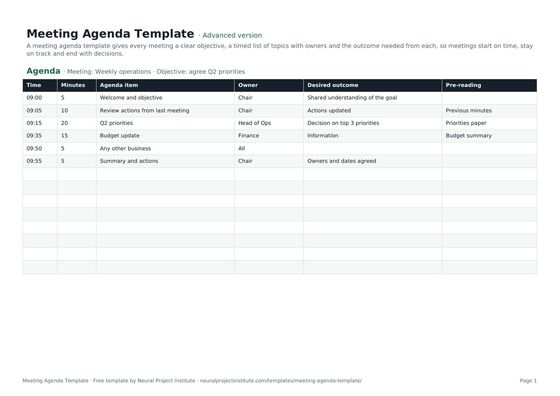 Meeting Agenda TemplateFree meeting agenda template with objective, timed items, owners, outcomes and…Beginner · Advanced · Expert
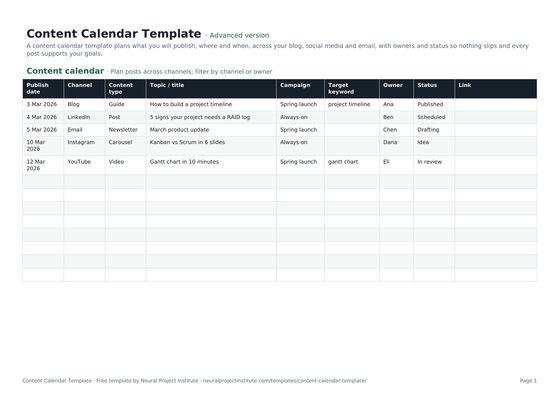 Content Calendar TemplateFree content calendar template for blogs, social media and email: dates, channels,…Beginner · Advanced · Expert
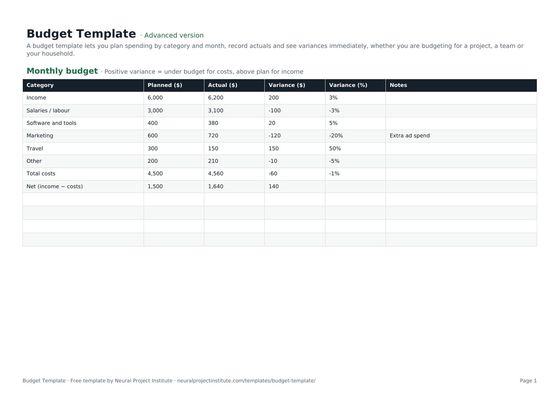 Budget TemplateFree budget template with monthly planned vs actual spend, variance and totals for…Beginner · Advanced · Expert
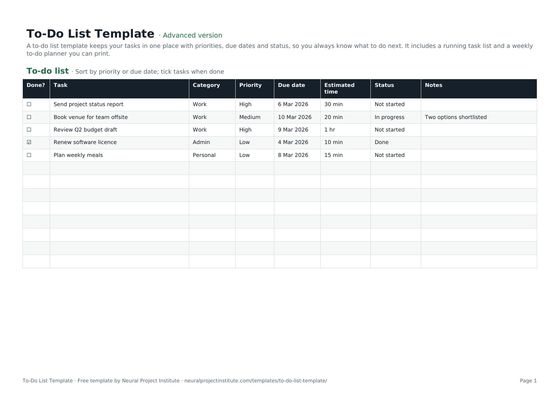 To-Do List TemplateFree to-do list template with priority, due date, category and status, plus a weekly…Beginner · Advanced · Expert
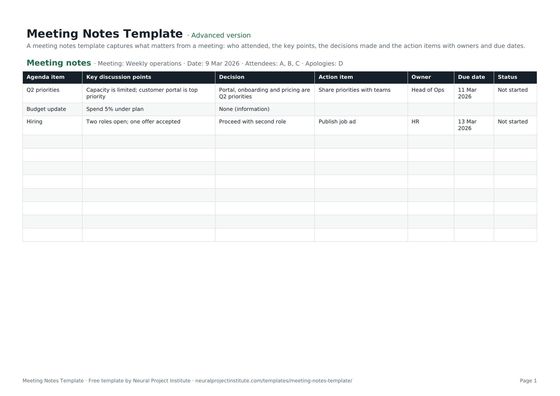 Meeting Notes TemplateFree meeting notes template with attendees, discussion, decisions and action items with…Beginner · Advanced · Expert