Templates · Finance & estimating
Free Budget Template for Google Sheets and Excel (Monthly)
A budget template lets you plan spending by category and month, record actuals and see variances immediately, whether you are budgeting for a project, a team or your household.
Free download · no sign-up
Get the budget template
Pick your level and format: Google Sheets, Excel or a print-ready PDF. Spreadsheets include dropdowns, formulas and sample rows you can overwrite.
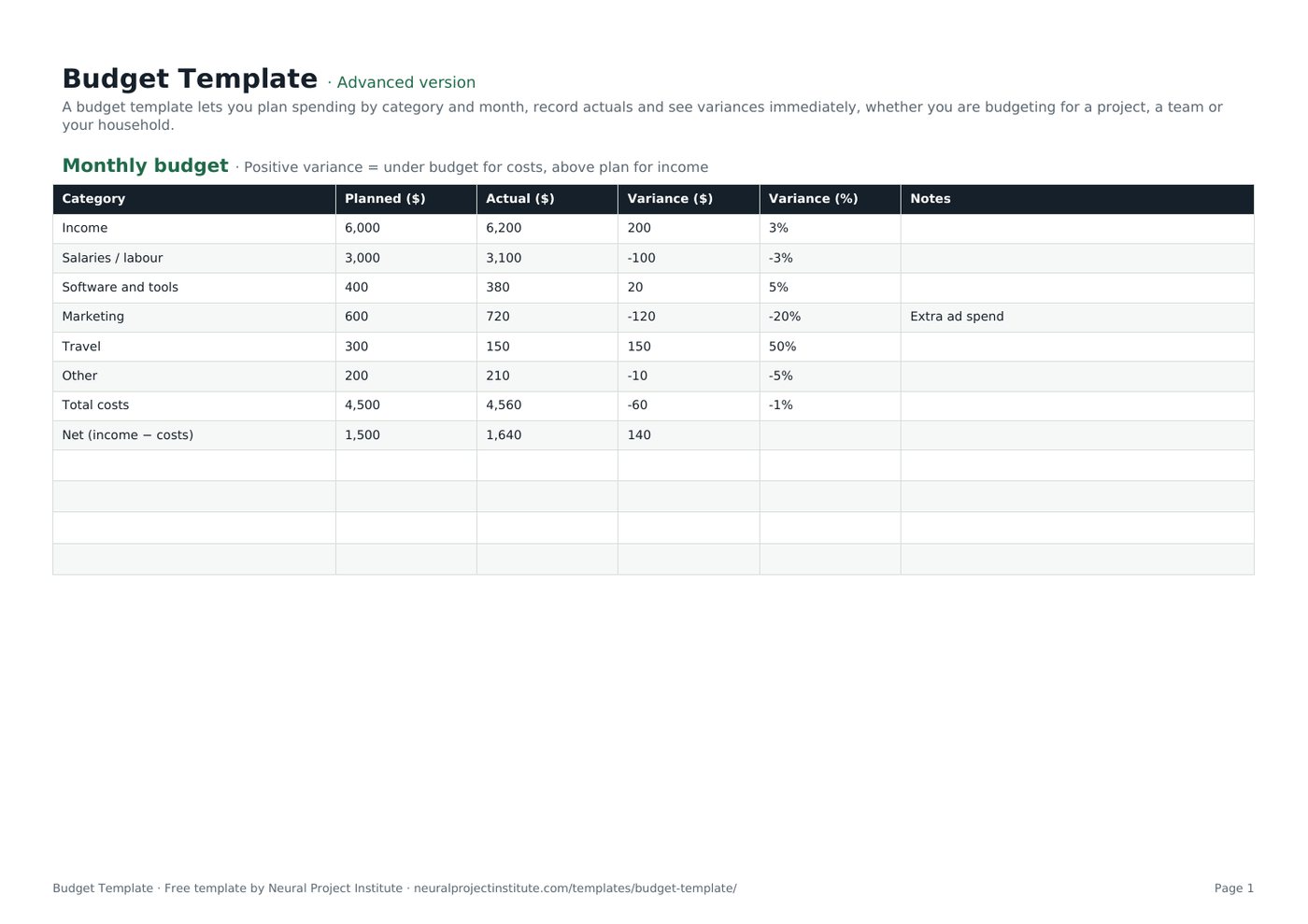
Budget Template preview
| Category | Planned ($) | Actual ($) | Variance ($) | Variance (%) | Notes |
|---|---|---|---|---|---|
| Income | 6,000 | 6,200 | 200 | 3% | |
| Salaries / labour | 3,000 | 3,100 | -100 | -3% | |
| Software and tools | 400 | 380 | 20 | 5% | |
| Marketing | 600 | 720 | -120 | -20% | Extra ad spend |
| Travel | 300 | 150 | 150 | 50% | |
| Other | 200 | 210 | -10 | -5% |
Sample rows are examples: replace them with your own.
What's included
- Monthly planned vs actual budget with variance in $ and %
- Annual 12-month view with totals
- Monthly budget: Category, Planned ($), Actual ($), Variance ($), Variance (%), Notes
- Annual by month: Category, Jan, Feb, Mar, Apr, May, Jun, Jul, Aug, Sep, Oct, Nov, Dec, Total
How to use the budget template
- List income and cost categories that matter to you.
- Enter planned amounts for the month (and the year on the second tab).
- Record actual figures as they come in.
- Check variances: totals and percentages calculate automatically.
- Adjust next month's plan based on what you learn.
Tips for getting the most from it
- Update actuals weekly so surprises are small.
- Keep a contingency line.
- Use Google Sheets to share the budget with your team.
- For projects, track cost variance and EVM.
Learn more
Frequently asked questions
What is a budget template?
A budget template is a spreadsheet for planning income and costs by category and comparing them with actual figures.
Is this budget template free?
Yes. The budget template is free in Google Sheets, Excel and PDF.
Is there a budget template for Google Sheets?
Yes. Make a copy of the Google Sheets budget template and share it.
Is the budget template a monthly budget template?
Yes. The first tab is a monthly budget template; the second gives a 12-month view.
How is variance calculated in the budget template?
For costs, variance = planned − actual; for income, actual − planned; the percentage divides by the plan.
Can I use the budget template for a project budget?
Yes. Replace the categories with project cost lines; see project budget.
Can I use the budget template for personal finances?
Yes. Use personal categories such as rent, food and savings.
Is there a simple budget template in Google Sheets for free?
Yes. This simple budget template is free and works in Google Sheets and Excel.
How often should I update the budget template?
Weekly for actuals, and review the budget monthly.
What is the difference between a budget template and a cost estimate?
A cost estimate predicts costs; a budget template tracks spending against an approved plan.
What is the difference between the beginner, advanced and expert budget template?
The beginner budget template keeps only the essential columns on one tab; the advanced version is the full template with every tab, dropdown and formula; the expert version adds a live dashboard, instructions and revision history.
Related templates
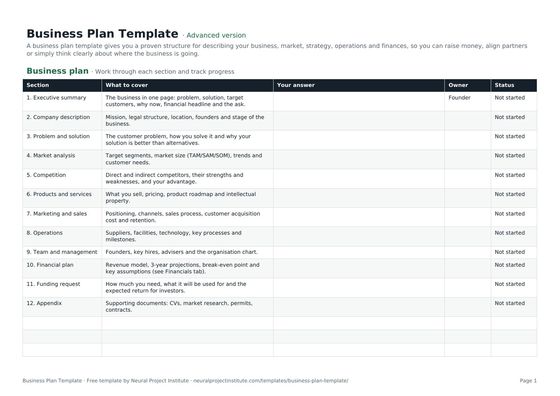 Business Plan TemplateFree business plan template with guided sections, a one-page summary and 3-year financial…Beginner · Advanced · Expert
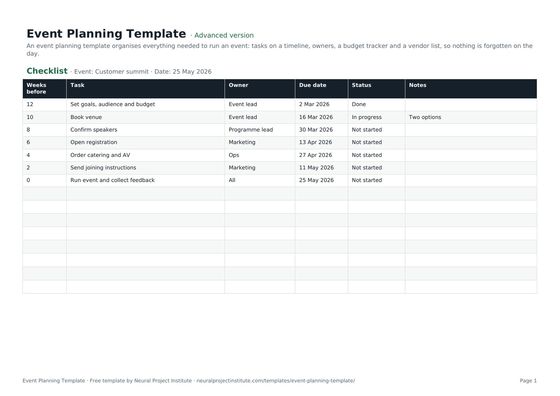 Event Planning TemplateFree event planning template with task checklist, timeline, owners, budget tracker and…Beginner · Advanced · Expert
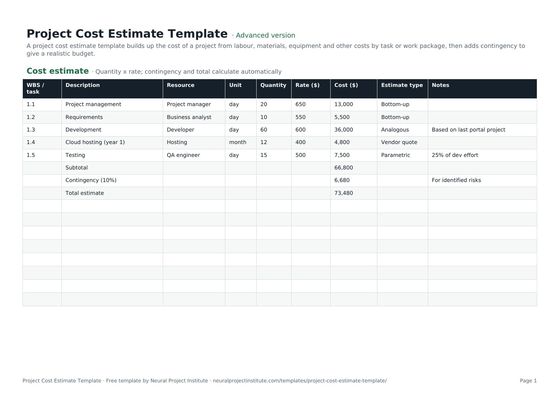 Project Cost Estimate TemplateFree project cost estimate template: labour, materials, equipment and other costs by work…Beginner · Advanced · Expert
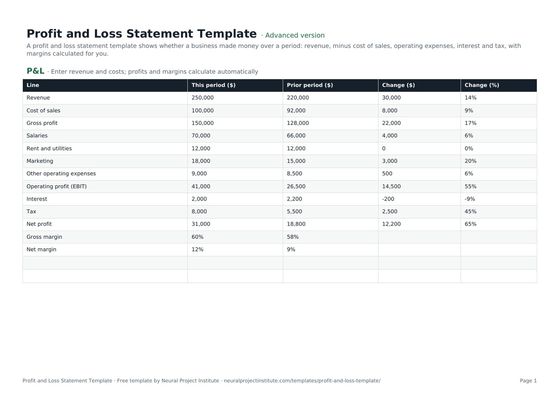 Profit and Loss Statement TemplateFree profit and loss statement template: revenue, cost of sales, gross profit, operating…Beginner · Advanced · Expert
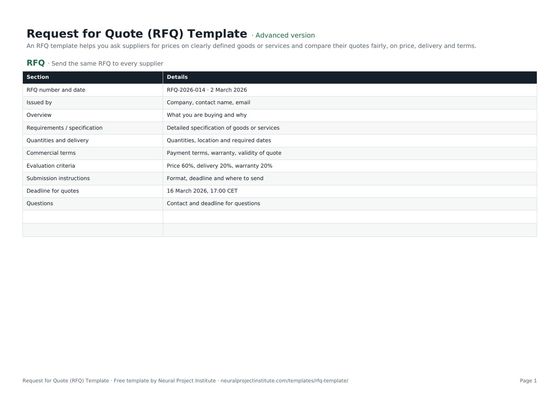 Request for Quote (RFQ) TemplateFree RFQ template (request for quotation): requirements, quantities, terms, submission…Beginner · Advanced · Expert