Templates · Finance & estimating
Free RFQ Template: Request for Quote / Quotation (Sheets, Excel, PDF)
An RFQ template helps you ask suppliers for prices on clearly defined goods or services and compare their quotes fairly, on price, delivery and terms.
Free download · no sign-up
Get the RFQ template
Pick your level and format: Google Sheets, Excel or a print-ready PDF. Spreadsheets include dropdowns, formulas and sample rows you can overwrite.
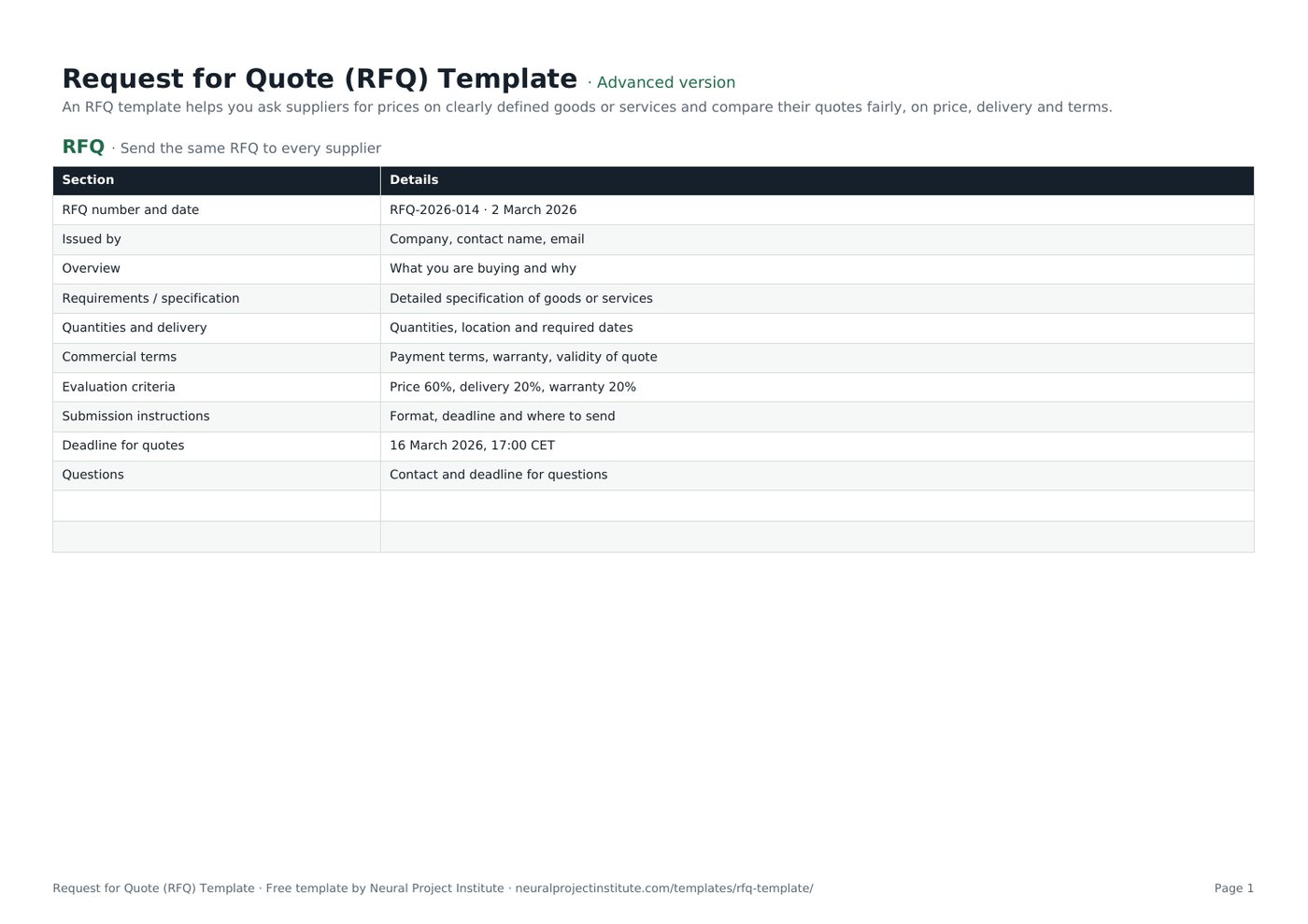
Request for Quote (RFQ) Template preview
| Section | Details |
|---|---|
| RFQ number and date | RFQ-2026-014 · 2 March 2026 |
| Issued by | Company, contact name, email |
| Overview | What you are buying and why |
| Requirements / specification | Detailed specification of goods or services |
| Quantities and delivery | Quantities, location and required dates |
| Commercial terms | Payment terms, warranty, validity of quote |
Sample rows are examples: replace them with your own.
What's included
- RFQ document outline
- Quote comparison for three suppliers with automatic totals
- RFQ: Section, Details
- Quote comparison: Item, Qty, Supplier A unit price, Supplier B unit price, Supplier C unit price, Supplier A total, Supplier B total, Supplier C total
How to use the RFQ template
- Write a clear specification with quantities and delivery dates.
- State commercial terms and how quotes will be evaluated.
- Send the same RFQ to several suppliers with a deadline.
- Enter prices in the Quote comparison tab; totals calculate automatically.
- Evaluate against your criteria, not price alone, and award the order.
Tips for getting the most from it
- Ask all suppliers the same questions.
- Share answers to questions with every bidder.
- Check delivery, warranty and support, not just price.
- See procurement management.
Learn more
Frequently asked questions
What is an RFQ template?
An RFQ template is a request for quotation document that asks suppliers to price specified goods or services, plus a way to compare quotes.
Is this RFQ template free?
Yes. The RFQ template is free in Google Sheets, Excel and PDF.
What does RFQ stand for in the RFQ template?
Request for quotation, also called a request for quote.
What should an RFQ template include?
Specification, quantities, delivery, terms, evaluation criteria, submission instructions and deadline.
What is the difference between an RFQ template and an RFP?
An RFQ asks for prices on a defined need; an RFP asks suppliers to propose a solution.
How many suppliers should receive the RFQ template?
Usually three to five to get competitive quotes.
How do I compare quotes with the RFQ template?
Enter unit prices per supplier; the template calculates totals for a like-for-like comparison.
Can I use the RFQ template as a request for quotation template for services?
Yes. Describe the services and deliverables in the specification.
How long should suppliers get to respond to the RFQ template?
One to three weeks, depending on complexity.
Can I download the RFQ template as a PDF?
Yes. Use the PDF button to send a printable request for quote template.
What is the difference between the beginner, advanced and expert RFQ template?
The beginner RFQ template keeps only the essential columns on one tab; the advanced version is the full template with every tab, dropdown and formula; the expert version adds instructions and revision history.
Related templates
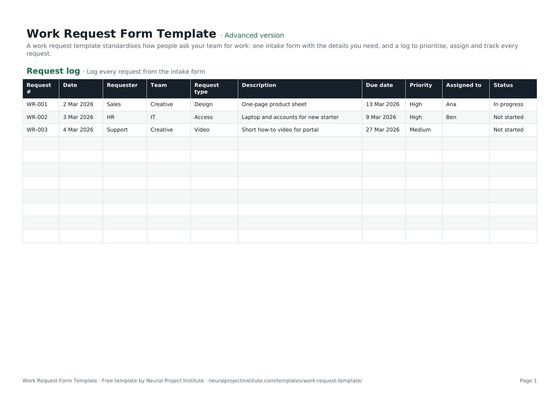 Work Request Form TemplateFree work request template: intake form, request log, priority, due date, owner and…Beginner · Advanced · Expert
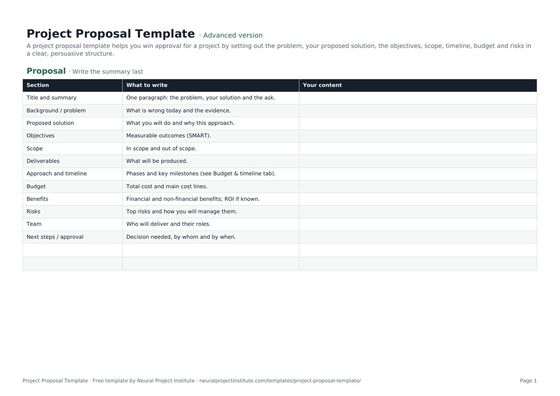 Project Proposal TemplateFree project proposal template: problem, proposed solution, objectives, scope, timeline,…Beginner · Advanced · Expert
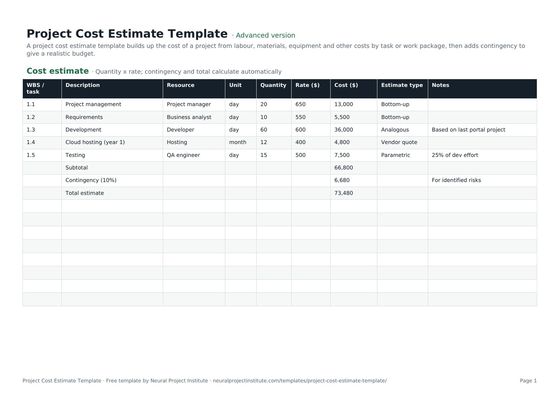 Project Cost Estimate TemplateFree project cost estimate template: labour, materials, equipment and other costs by work…Beginner · Advanced · Expert
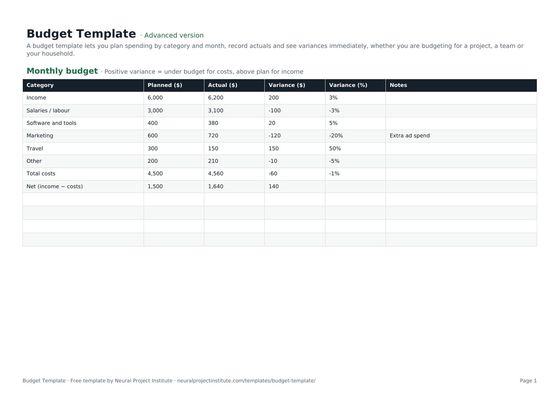 Budget TemplateFree budget template with monthly planned vs actual spend, variance and totals for…Beginner · Advanced · Expert
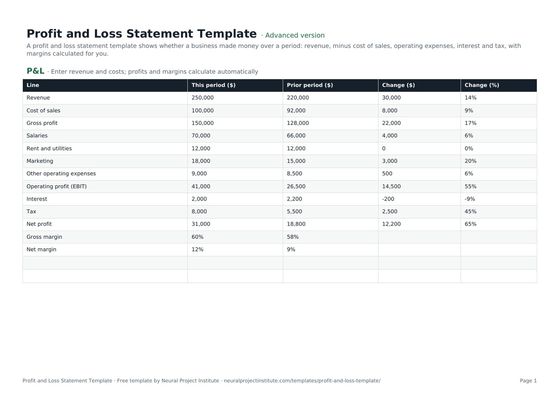 Profit and Loss Statement TemplateFree profit and loss statement template: revenue, cost of sales, gross profit, operating…Beginner · Advanced · Expert