Templates · Meetings & productivity
Free Priority List Template with Urgent/Important Matrix (Sheets, Excel, PDF)
A priority list template helps you decide what to do first by scoring each task's importance and urgency and placing it in an Eisenhower quadrant: do, schedule, delegate or drop.
Free download · no sign-up
Get the priority list template
Pick your level and format: Google Sheets, Excel or a print-ready PDF. Spreadsheets include dropdowns, formulas and sample rows you can overwrite.
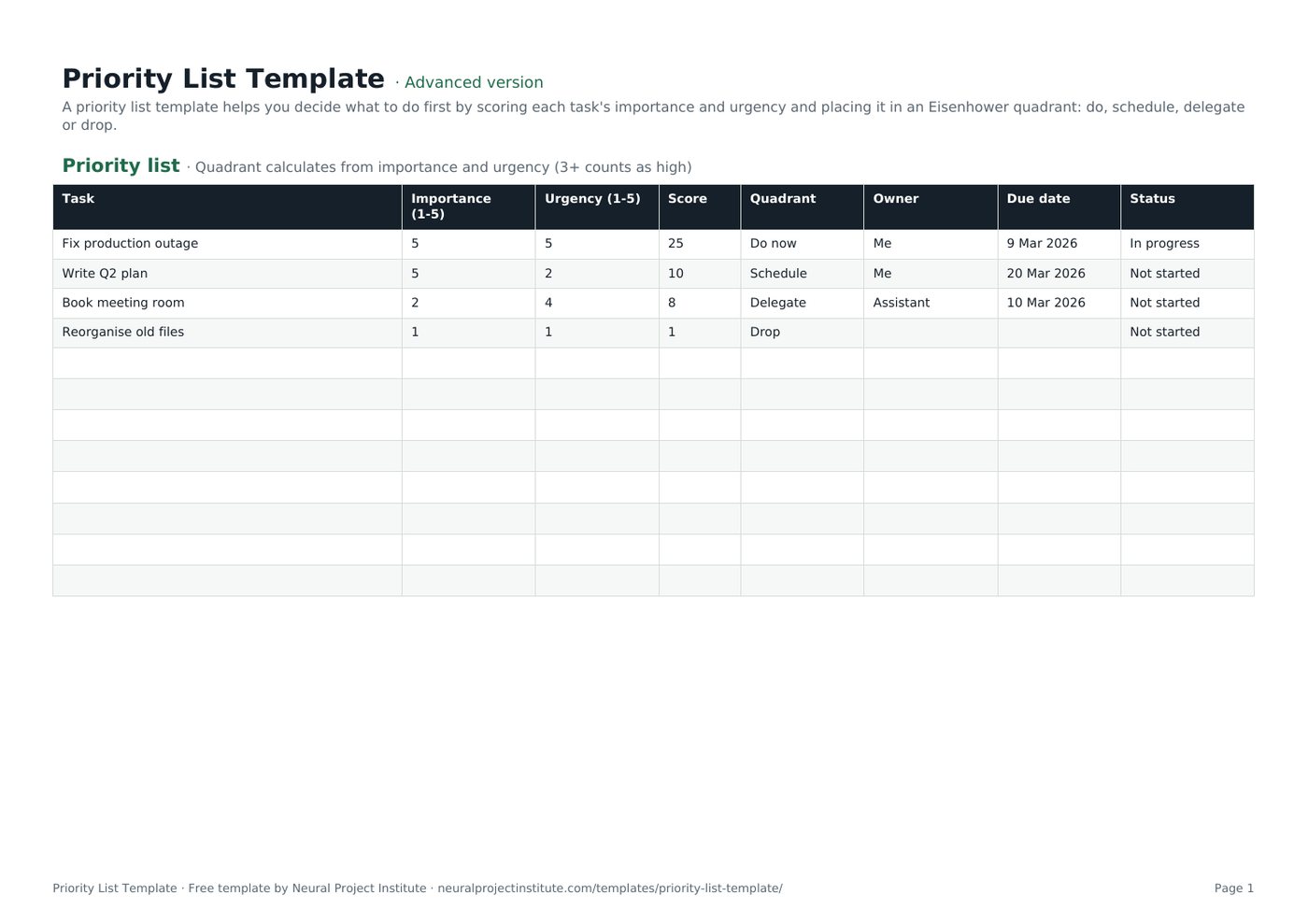
Priority List Template preview
| Task | Importance (1-5) | Urgency (1-5) | Score | Quadrant | Owner | Due date | Status |
|---|---|---|---|---|---|---|---|
| Fix production outage | 5 | 5 | 25 | Do now | Me | 9 Mar 2026 | In progress |
| Write Q2 plan | 5 | 2 | 10 | Schedule | Me | 20 Mar 2026 | Not started |
| Book meeting room | 2 | 4 | 8 | Delegate | Assistant | 10 Mar 2026 | Not started |
| Reorganise old files | 1 | 1 | 1 | Drop | Not started |
Sample rows are examples: replace them with your own.
What's included
- Importance and urgency scoring with automatic Eisenhower quadrant and score
- Priority list: Task, Importance (1-5), Urgency (1-5), Score, Quadrant, Owner, Due date, Status
How to use the priority list template
- List everything competing for your time.
- Score importance (impact on goals) and urgency (time pressure) from 1 to 5.
- Read the quadrant: Do now, Schedule, Delegate or Drop.
- Assign owners for delegated items and dates for scheduled ones.
- Re-score weekly as priorities change.
Tips for getting the most from it
- Protect time for important, non-urgent work.
- Be honest about what can be dropped.
- Sort by score to see your top priorities.
- Copy top items into your to-do list.
Learn more
Frequently asked questions
What is a priority list template?
A priority list template ranks tasks by importance and urgency so you know what to do first.
Is this priority list template free?
Yes. The priority list template is free in Google Sheets, Excel and PDF.
How does the priority list template calculate priority?
It multiplies importance by urgency for a score and assigns an Eisenhower quadrant.
What is the Eisenhower matrix in the priority list template?
A 2x2 of importance and urgency: do now, schedule, delegate or drop.
Can teams use the priority list template?
Yes. Teams can score shared work together and assign owners.
Can I use the priority list template for projects?
Yes. Use it to rank project requests before adding them to a project tracker.
How often should I update the priority list template?
Re-score your priority list weekly or when new work arrives.
What is the difference between a priority list template and a to-do list template?
A priority list template ranks tasks; a to-do list template tracks doing them.
Can I change the scoring scale in the priority list template?
Yes. Edit the threshold in the quadrant formula to suit your scale.
Is there a priority list template in Excel?
Yes. Download the .xlsx priority list template with formulas.
What is the difference between the beginner, advanced and expert priority list template?
The beginner priority list template keeps only the essential columns on one tab; the advanced version is the full template with every tab, dropdown and formula; the expert version adds a live dashboard, instructions, revision history and status colours.
Related templates
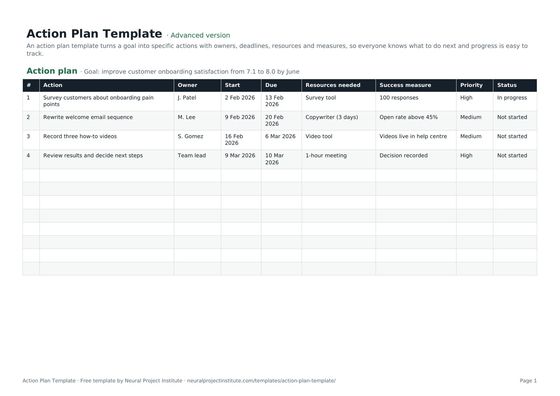 Action Plan TemplateFree action plan template with goal, actions, owners, deadlines, resources, success…Beginner · Advanced · Expert
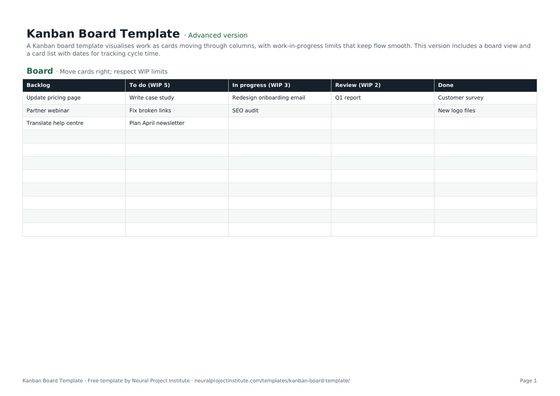 Kanban Board TemplateFree Kanban board template with To Do, In Progress, Review and Done columns, WIP limits…Beginner · Advanced · Expert
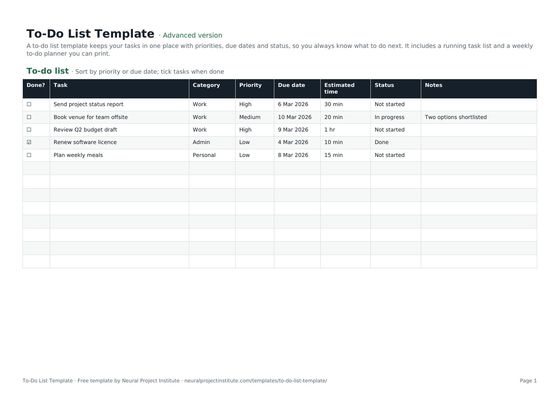 To-Do List TemplateFree to-do list template with priority, due date, category and status, plus a weekly…Beginner · Advanced · Expert
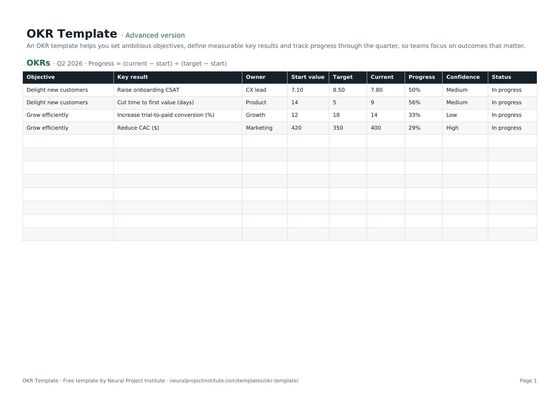 OKR TemplateFree OKR template to set objectives and key results, track progress and score them each…Beginner · Advanced · Expert
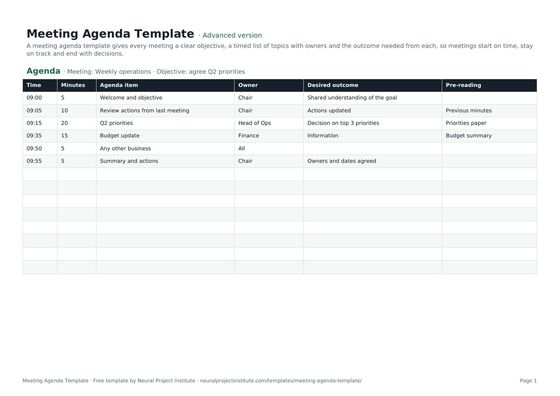 Meeting Agenda TemplateFree meeting agenda template with objective, timed items, owners, outcomes and…Beginner · Advanced · Expert
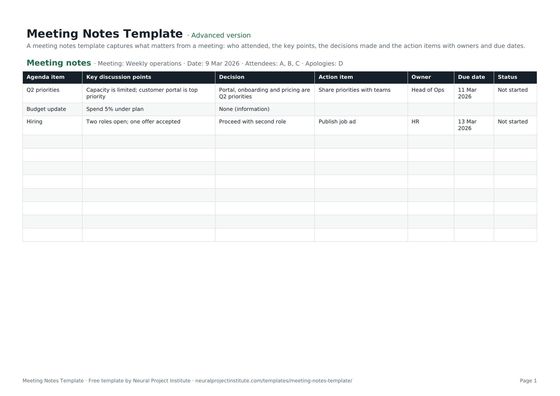 Meeting Notes TemplateFree meeting notes template with attendees, discussion, decisions and action items with…Beginner · Advanced · Expert