Free RAID Log Template (Google Sheets, Excel, PDF)
A RAID log template keeps a project's Risks, Assumptions, Issues and Dependencies in one place with owners, ratings, actions and due dates, ready to review in every status meeting.
Free download · no sign-up
Get the RAID log template
Pick your level and format: Google Sheets, Excel or a print-ready PDF. Spreadsheets include dropdowns, formulas and sample rows you can overwrite.
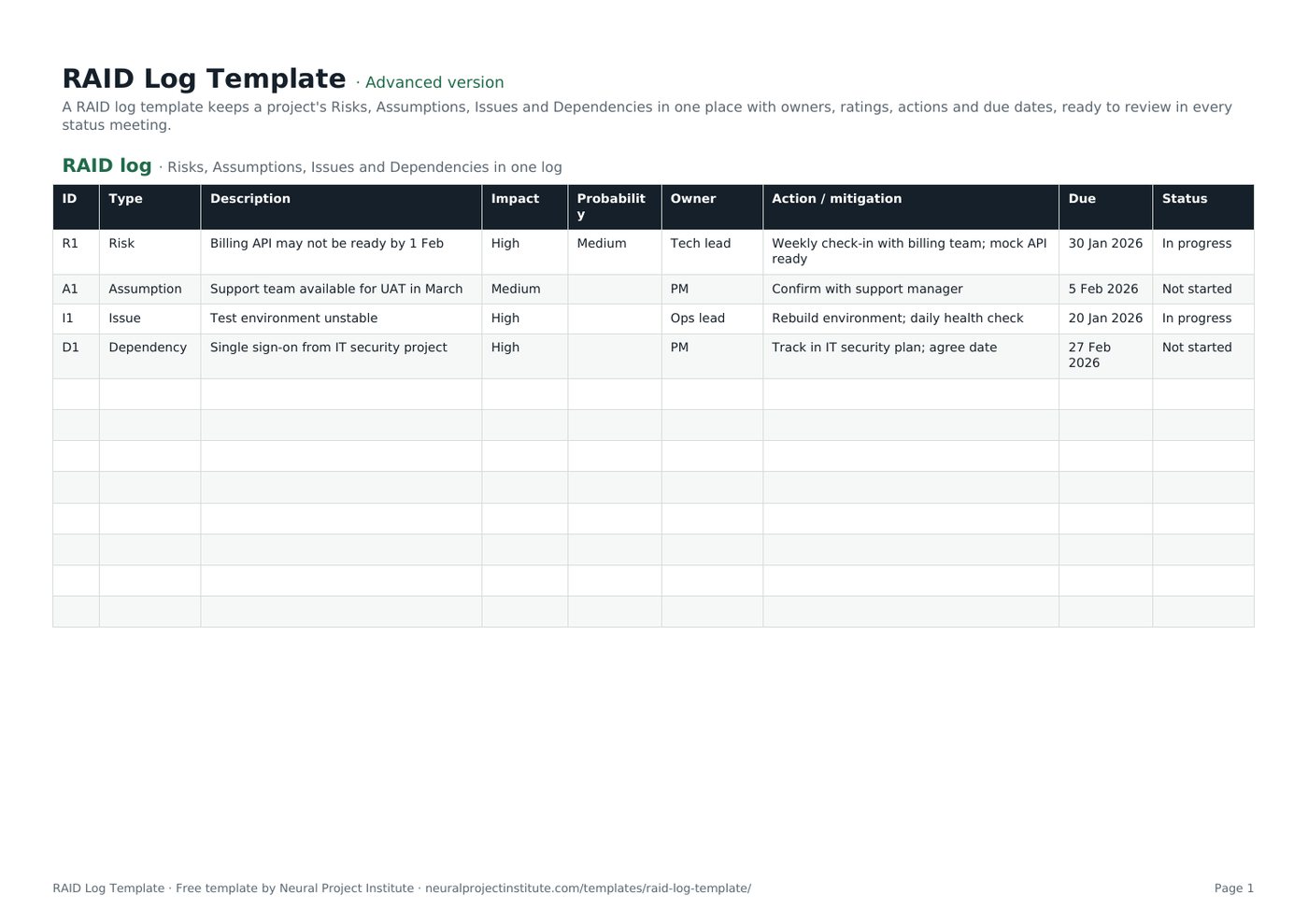
RAID Log Template preview
| ID | Type | Description | Impact | Probability | Owner | Action / mitigation | Due | Status |
|---|---|---|---|---|---|---|---|---|
| R1 | Risk | Billing API may not be ready by 1 Feb | High | Medium | Tech lead | Weekly check-in with billing team; mock API ready | 30 Jan 2026 | In progress |
| A1 | Assumption | Support team available for UAT in March | Medium | PM | Confirm with support manager | 5 Feb 2026 | Not started | |
| I1 | Issue | Test environment unstable | High | Ops lead | Rebuild environment; daily health check | 20 Jan 2026 | In progress | |
| D1 | Dependency | Single sign-on from IT security project | High | PM | Track in IT security plan; agree date | 27 Feb 2026 | Not started |
Sample rows are examples: replace them with your own.
What's included
- Risks, assumptions, issues and dependencies with impact, probability, owner, action, due date and status
- Dropdowns for type and ratings
- RAID log: ID, Type, Description, Impact, Probability, Owner, Action / mitigation, Due, Status
How to use the RAID log template
- Add each item with a type and a clear description.
- Rate impact (and probability for risks).
- Assign an owner and agree an action with a due date.
- Review the log in every status meeting and update status.
- Escalate high-impact items to the sponsor and close items when resolved.
Tips for getting the most from it
- Write risks as cause → event → effect.
- Validate assumptions early; unproven ones become risks.
- Convert risks that happen into issues.
- Keep closed items for lessons learned.
Learn more
Frequently asked questions
What is a RAID log template?
A RAID log template is a single log for tracking project Risks, Assumptions, Issues and Dependencies with owners and actions.
What does RAID stand for in a RAID log template?
Risks, Assumptions, Issues and Dependencies; some teams use Actions or Decisions instead of Assumptions or Dependencies.
Is this RAID log template free?
Yes. The RAID log template is free in Google Sheets, Excel and PDF.
How do I use a RAID log template?
Add each item, rate it, assign an owner and action, and review the RAID log in every status meeting.
What is the difference between a RAID log template and a risk register template?
A risk register tracks risks only; a RAID log template also tracks assumptions, issues and dependencies.
Who owns the RAID log template?
The project manager maintains the RAID log; each item has its own owner.
How often should a RAID log template be updated?
Update the RAID log weekly and whenever a new risk, issue or dependency appears.
Can I use the RAID log template for Agile projects?
Yes. Agile teams use a RAID log for cross-team dependencies and programme-level risks.
Can I use the RAID log template as a RAID project management template?
Yes. This RAID log template is a complete RAID project management template for Excel and Google Sheets.
What should happen to closed items in a RAID log template?
Mark them closed rather than deleting them, so the RAID log feeds your lessons learned.
What is the difference between the beginner, advanced and expert RAID log template?
The beginner RAID log template keeps only the essential columns on one tab; the advanced version is the full template with every tab, dropdown and formula; the expert version adds a live dashboard, instructions, revision history and status colours.
Related templates
 Project Tracker TemplateFree project tracker template to track tasks, owners, deadlines, priority, status and…Beginner · Advanced · Expert
 Risk Register TemplateFree risk register and risk assessment template with probability, impact, auto-calculated…Beginner · Advanced · Expert
 Change Request TemplateFree change request template and change control log: description, reason, impact on…Beginner · Advanced · Expert
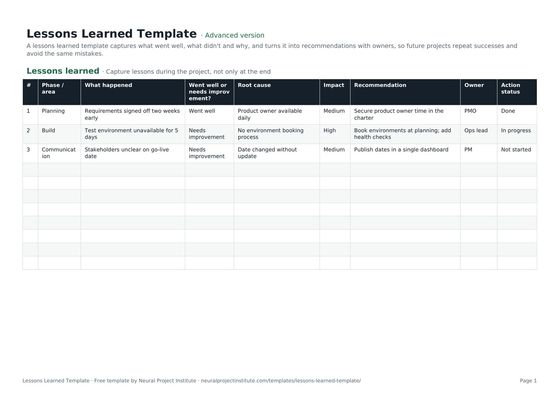 Lessons Learned TemplateFree lessons learned template to capture what went well, what didn't, root causes and…Beginner · Advanced · Expert
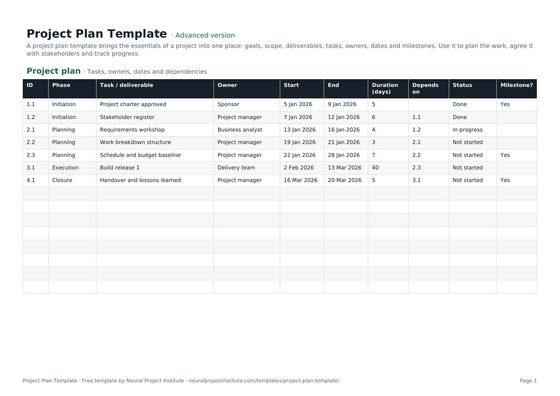 Project Plan TemplateFree project plan template with goals, scope, deliverables, tasks, owners, dates and…Beginner · Advanced · Expert
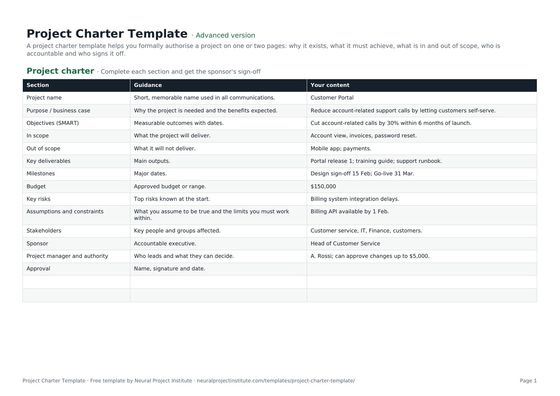 Project Charter TemplateFree project charter template covering purpose, objectives, scope, milestones, budget,…Beginner · Advanced · Expert